UniFi Device Bridge Switch
Ubiquiti UDB-Switch UniFi Device Bridge Switch
SKU:UDB-Switch
EOFY Sale. Limited promotional stock available — don’t miss out!
132 in stock and ready to ship today.
Couldn't load pickup availability
Australian Reseller | Australian Stock | Australian Warranty
Found it cheaper elsewhere? Let us know
Buying for your business? Earn Store Credits


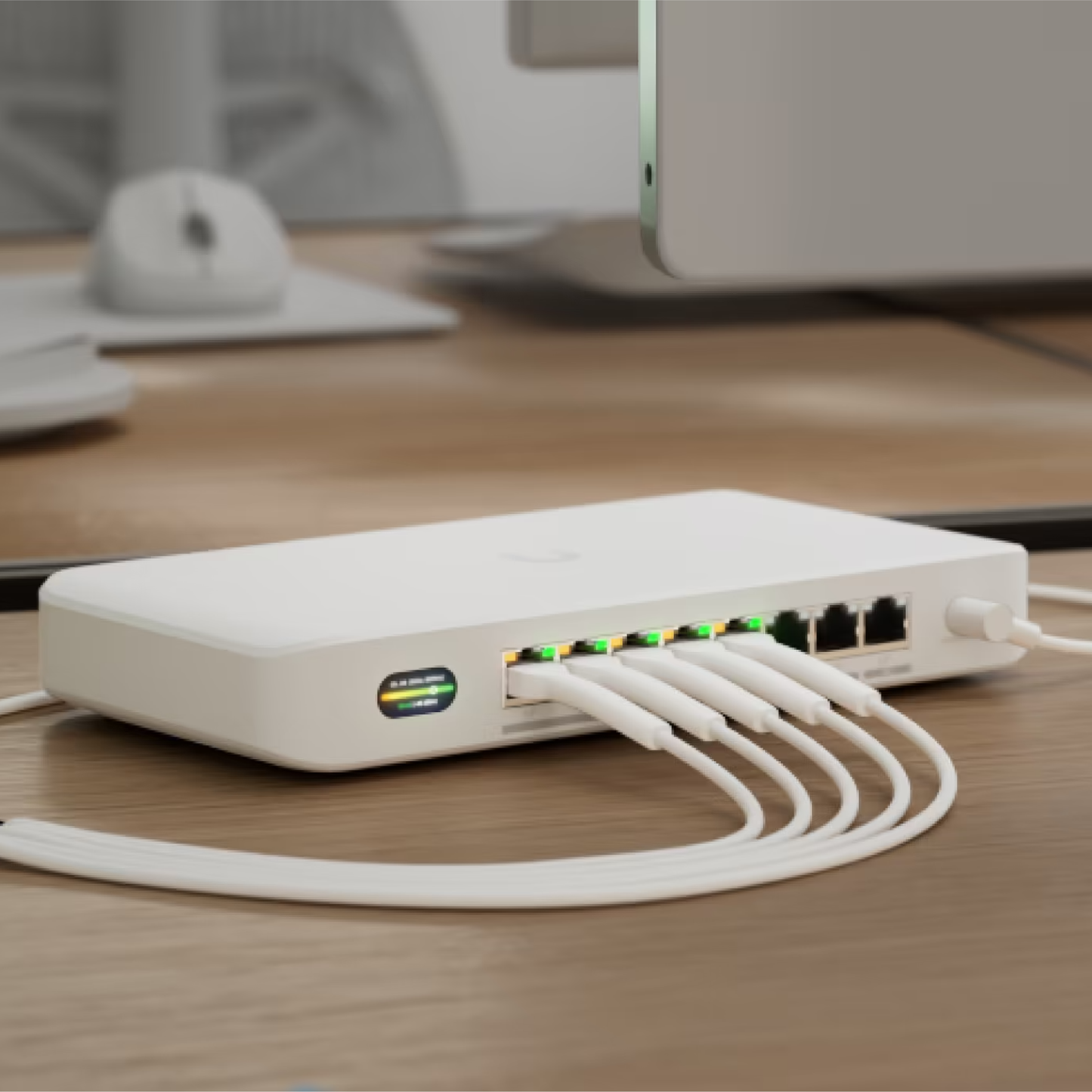
Compact PoE+ switch* with (1) 10 GbE port, (7) 2.5 GbE ports, and 6 GHz-ready WiFi 7 bridging integration for seamless, high-capacity wireless uplink to UniFi WiFi.
- Throughput: Up to 5.8 Gbps
- Radios: 5GHz & 6GHz
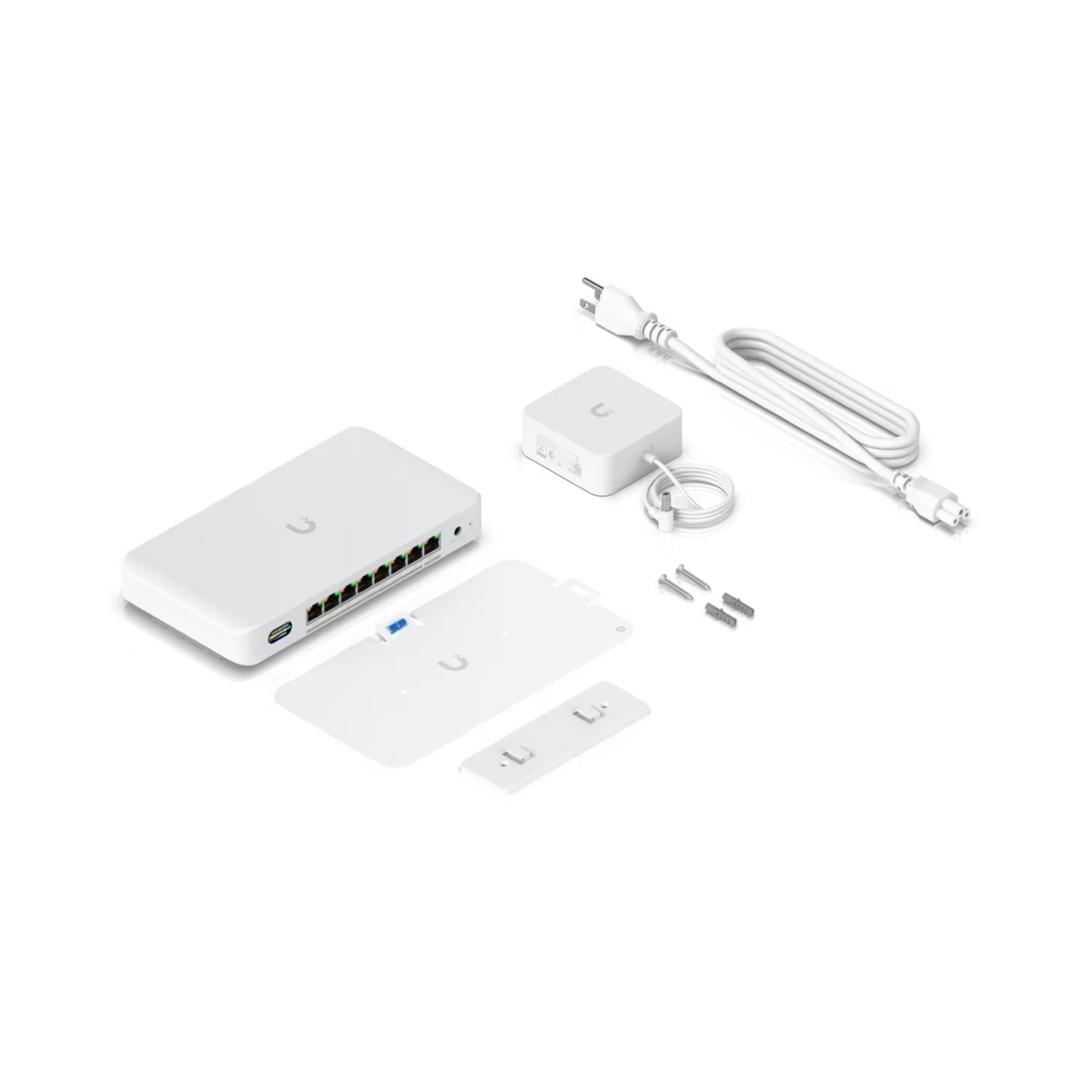
- Power Method: DC jack (54V DC/1.1A)
- Uplink: (1) 10 GbE port, (7) 2.5 GbE ports
*The Device Bridge Switch provides 35W of PoE power with the included 60W adapter, or up to 185W with the optional 210W adapter.
View Installation Guide| Overview | |
|---|---|
| Dimensions |
212.9 x 113 x 32.5 mm (8.4 x 4.4 x 1.3″) |
| WiFi Standard | WiFi 7 |
| Spatial Streams | 4 |
| Mounting Locations | Desktop, wall |
| Power Method | DC jack (54V DC/1.1A) |
| Power Supply | 54V DC/1.1A (Adapter included) |
| Performance | |
| MIMO |
6 GHz: 2 x 2 5 GHz: 2 x 2 |
| Max. Data Rate |
6 GHz: 5.8 Gbps (BW320) 5 GHz: 4.3 Gbps (BW240) |
| Antenna Gain |
6 GHz: 8 dBi 5 GHz: 8 dBi |
| Max. TX Power |
6 GHz: 23 dBm 5 GHz: 26 dBm |
| Max. Conducted TX Power | 26 dBm (Combined) |
| Supported Data Rates |
802.11be (WiFi 7): 6 GHz: 7.3 Mbps to 5.8 Gbps (MCS0 - MCS13 NSS1/2, EHT 20/40/80/160/320) 5 GHz: 7.3 Mbps to 4.3 Gbps (MCS0 - MCS13 NSS1/2, EHT 20/40/80/160/240) 802.11ax (WiFi 6): 7.3 Mbps to 2.4 Gbps (MCS0 - MCS11 NSS1/2, HE 20/40/80/160) 802.11ac (WiFi 5): 6.5 Mbps to 1.7 Gbps (MCS0 - MCS9 NSS1/2, VHT 20/40/80/160) 802.11n: 6.5 Mbps to 300 Mbps (MCS0 - MCS15, HT 20/40) 802.11a: 6, 9, 12, 18, 24, 36, 48, 54 Mbps |
| Wireless Security | WPA3 SAE (Always On) |
| Hardware | |
| Max. Power Consumption | 25W (Excluding PoE output) |
| Supported Voltage Range | 42.5—57V DC |
| Networking Interface |
(1) 10 GbE RJ45 port (7) 2.5 GbE RJ45 ports |
| PoE Interface | (8) PoE+ ports |
| Max. PoE Wattage per Port | 30W |
| Total PoE Availability |
60W AC adapter input: 35W 210W AC adapter input: 185W |
| Antennas | (1) Internal |
| Management |
Ethernet WiFi |
| Channel Bandwidth | 20/40/80/160/240/320 MHz |
| Weight |
Device: 548 g (1.21 lb) With mount: 563 g (1.24 lb) |
| Enclosure Material | Polycarbonate |
| Mount Material | Polycarbonate |
| LCM Display | 0.96″ status display |
| Button | (1) Factory-reset |
| NDAA Compliant | ✓ |
| Certifications | CE, FCC, IC |
| Operating Frequency |
Worldwide: 5150—5875 MHz 5945—7125 MHz |
| Ambient Operating Temperature | -30 to 40° C (-22 to 104° F) |
| Ambient Operating Humidity | 5 to 95% noncondensing |
| Software | |
| Application Requirements | UniFi Network: Version 10.0.156 or later. |
Visit Ubiquiti for more information.
Customer Satisfaction
Check out some recent reviews and customer experiences shared on Trustpilot
Frequently Asked Questions
What sets the Device Bridge Switch apart from other UniFi switches?
Unlike other UniFi switches, the Device Bridge Switch includes UniFi WiFi Auto-Link with STR MLO support, providing automatic and stable wireless bridging between UniFi access points.
Note: STR MLO will be supported in future firmware releases.
How much PoE power does the Device Bridge Switch provide?
The Device Bridge Switch provides 35W of PoE power with the included 60W adapter, or up to 185W with the optional 210W adapter.
Can I use the Device Bridge Switch as a wireless access point?
No. The Device Bridge Switch is specifically designed for wireless bridging only using UniFi WiFi Auto-Link, and cannot operate as a standalone wireless access point.
Does the Device Bridge Switch support VLANs?
Yes. The Device Bridge Switch supports native, tagged, and untagged VLAN management, like other UniFi switches.
What is the maximum power output per switch port?
Each port on Device Bridge Switch supports PoE+ output (30W per port) with a total PoE budget of 35W when using the 60W AC adapter, or 185W when using the 210W AC adapter.
What bands are used for the Wi-Fi Auto-Link connection?
The UniFi WiFi Auto-Link connection uses the 5 GHz and/or 6 GHz bands when available from nearby UniFi Access Points.
What is STR MLO?
STR MLO enables simultaneous, aggregated use of the 5 GHz and 6 GHz bands, providing full-duplex connectivity and significantly higher throughput.
Can the Device Bridge Switch be used as a standard wired switch?
Yes. When connected to a wired uplink at startup, the Device Bridge Switch functions as a wired UniFi switch.