
-
Vendor:Ubiquiti
UniFi U7 Pro XG 6-stream WiFi 7 AP
U7-Pro-XGRegular price $365.00Regular price$406.00Sale price $365.00Ubiquiti U7-Pro-XG UniFi U7 Pro XG 6-stream WiFi 7 AP
Regular price $365.00Regular price$406.00Sale price $365.00Ubiquiti U7-Pro-XG UniFi U7 Pro XG 6-stream WiFi 7 AP
Regular price $365.00Regular price$406.00Sale price $365.00Sale -
Vendor:Ubiquiti
UniFi U7 Lite WiFi 7 Access Point
U7-LiteRegular price $184.00Regular price$215.00Sale price $184.00Sale -
Vendor:Ubiquiti
UniFi U6+ WiFi 6 Access Point
U6+Regular price $184.00Regular price$208.00Sale price $184.00Sale -
Vendor:Ubiquiti
UniFi U7 Pro WiFi 7 Access Point
U7-ProRegular price From $332.00Regular price$402.00Sale price From $332.00Ubiquiti U7-Pro UniFi U7 Pro WiFi 7 Access Point
Regular price From $332.00Regular price$402.00Sale price From $332.00Ubiquiti U7-Pro UniFi U7 Pro WiFi 7 Access Point
Regular price From $332.00Regular price$402.00Sale price From $332.00Sale -
Vendor:Ubiquiti
UniFi U7 Long-Range WiFi 7 Access Point
U7-LRRegular price $295.00Regular price$329.00Sale price $295.00Sale -
Vendor:Ubiquiti
UniFi U7 In-Wall WiFi 7 Access Point
U7-IWRegular price $277.00Regular price$296.00Sale price $277.00Sale -
Vendor:Ubiquiti
UniFi U7 Pro XGS 8-stream WiFi 7 AP
U7-Pro-XGSRegular price $558.00Sale price $558.00Ubiquiti U7-Pro-XGS UniFi U7 Pro XGS 8-stream WiFi 7 AP
Regular price $558.00Sale price $558.00Ubiquiti U7-Pro-XGS UniFi U7 Pro XGS 8-stream WiFi 7 AP
Regular price $558.00Sale price $558.00Sale -
Vendor:Ubiquiti
UniFi U7 Pro Wall WiFi 7 Access Point
U7-Pro-WallRegular price $365.00Regular price$384.00Sale price $365.00Sale -
Vendor:Ubiquiti
UniFi U7 Outdoor WiFi 7 Access Point
U7-OutdoorRegular price $372.00Regular price$384.00Sale price $372.00Sale -
Vendor:Ubiquiti
UniFi U6 Pro WiFi 6 Access Point
U6-ProRegular price $299.00Regular price$362.00Sale price $299.00Sale -
Vendor:Ubiquiti
UniFi AC Mesh WiFi 5 Access Point
UAP-AC-MRegular price From $209.00Regular price$230.00Sale price From $209.00Ubiquiti UAP-AC-M UniFi AC Mesh WiFi 5 Access Point
Regular price From $209.00Regular price$230.00Sale price From $209.00Ubiquiti UAP-AC-M UniFi AC Mesh WiFi 5 Access Point
Regular price From $209.00Regular price$230.00Sale price From $209.00Sold out -
Vendor:Ubiquiti
UniFi U7 Pro Outdoor WiFi 7 Access Point
U7-Pro-OutdoorRegular price $521.00Regular price$626.00Sale price $521.00Sale -
Vendor:Ubiquiti
UniFi Swiss Army Knife WiFi Access Point
UK-UltraRegular price $152.00Regular price$175.00Sale price $152.00Sold out -
Vendor:Ubiquiti
UniFi Device Bridge Pro
UDB-ProRegular price $346.00Regular price$340.00Sale price $346.00Sold out -

 Sold outVendor:Ubiquiti
UniFi Device Bridge
UDBRegular price $184.00Regular price$186.00Sale price $184.00Sold out -
Vendor:Ubiquiti
UniFi U7 Pro Max WiFi 7 Access Point
U7-Pro-MaxRegular price $618.00Regular price$668.00Sale price $618.00Sold out -
Vendor:Ubiquiti
UniFi U6 Mesh WiFi 6 Access Point
U6-MeshRegular price $343.00Regular price$362.00Sale price $343.00Sold out -
Vendor:Ubiquiti
UniFi E7 Enterprise WiFi 7 Access Point
E7Regular price $1,013.00Regular price$1,099.00Sale price $1,013.00Sold out -
Vendor:Ubiquiti
UniFi Building Bridge
UBBRegular price From $683.00Regular price$683.00Sale price From $683.00Ubiquiti UBB UniFi Building Bridge
Regular price From $683.00Regular price$683.00Sale price From $683.00Ubiquiti UBB UniFi Building Bridge
Regular price From $683.00Regular price$683.00Sale price From $683.00 -
Vendor:Ubiquiti
UniFi Device Bridge Switch
UDB-SwitchRegular price $546.00Regular price$549.00Sale price $546.00Sale -
Vendor:Ubiquiti
UniFi U6 Long-Range WiFi 6 Access Point
U6-LRRegular price $373.00Regular price$373.00Sale price $373.00Sold out -
Vendor:Ubiquiti
UniFi U6 Mesh Pro WiFi 6 Access Point
U6-Mesh-ProRegular price $379.00Regular price$417.00Sale price $379.00Sale -
Vendor:Ubiquiti
UniFi AC Mesh Pro Access Point
UAP-AC-M-PRORegular price From $308.00Regular price$329.00Sale price From $308.00Ubiquiti UAP-AC-M-PRO UniFi AC Mesh Pro Access Point
Regular price From $308.00Regular price$329.00Sale price From $308.00Ubiquiti UAP-AC-M-PRO UniFi AC Mesh Pro Access Point
Regular price From $308.00Regular price$329.00Sale price From $308.00Sold out -
Vendor:Ubiquiti
UniFi U6 In-Wall WiFi 6 Access Point
U6-IWRegular price $416.00Regular price$449.00Sale price $416.00Sold out -
Vendor:Ubiquiti
UniFi AC Long-Range WiFi 5 Access Point
UAP-AC-LRRegular price $218.00Regular price$229.00Sale price $218.00Sold out -
Vendor:Ubiquiti
UniFi Device Bridge Pro Sector
UDB-Pro-SectorRegular price $390.00Regular price$384.00Sale price $390.00 -
Vendor:Ubiquiti
UniFi Device Bridge IoT
UDB-IoTRegular price $95.00Regular price$105.00Sale price $95.00Sale -

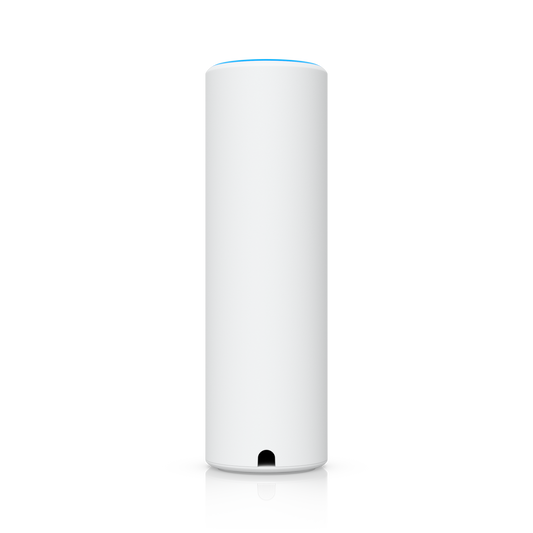 Sold outVendor:Ubiquiti
UniFi U7 Mesh
U7-MeshRegular price $339.00Regular price$362.00Sale price $339.00Sold out -
Vendor:Ubiquiti
UniFi U6 Enterprise WiFi 6E Access Point
U6-EnterpriseRegular price $674.00Regular price$674.00Sale price $674.00Sold out -
Vendor:Ubiquiti
UniFi U6 Enterprise In-Wall WiFi 6E Access Point
U6-Enterprise-IWRegular price $696.00Regular price$752.00Sale price $696.00Sold out -
Vendor:Ubiquiti
UniFi AC Pro WiFi 5 Access Point
UAP-AC-PRORegular price From $265.00Regular price$296.00Sale price From $265.00Ubiquiti UAP-AC-PRO UniFi AC Pro WiFi 5 Access Point
Regular price From $265.00Regular price$296.00Sale price From $265.00Ubiquiti UAP-AC-PRO UniFi AC Pro WiFi 5 Access Point
Regular price From $265.00Regular price$296.00Sale price From $265.00Sale -
Vendor:Ubiquiti
UniFi UniFi Travel Router
UTRRegular price $147.00Regular price$175.00Sale price $147.00Sold out -
Vendor:Ubiquiti
UniFi E7 Campus Enterprise WiFi 7 Access Point
E7-CampusRegular price $1,765.00Regular price$1,849.00Sale price $1,765.00Sold out -
Vendor:Ubiquiti
UniFi Building Bridge XG
UBB-XGRegular price From $1,199.00Regular price$1,199.00Sale price From $1,199.00Ubiquiti UBB-XG UniFi Building Bridge XG
Regular price From $1,199.00Regular price$1,199.00Sale price From $1,199.00Ubiquiti UBB-XG UniFi Building Bridge XG
Regular price From $1,199.00Regular price$1,199.00Sale price From $1,199.00 -
Vendor:Ubiquiti
UniFi U7 Pro XG Wall
U7-Pro-XG-WallRegular price $515.00Regular price$494.00Sale price $515.00 -
Vendor:Ubiquiti
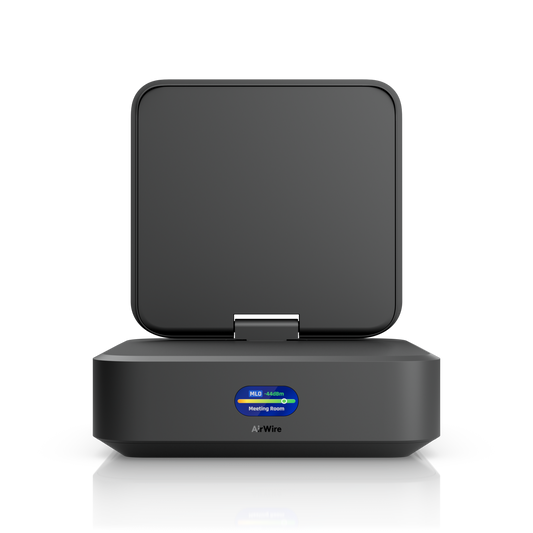
UniFi AirWire
U-AirWireRegular price $350.00Regular price$373.00Sale price $350.00Sale

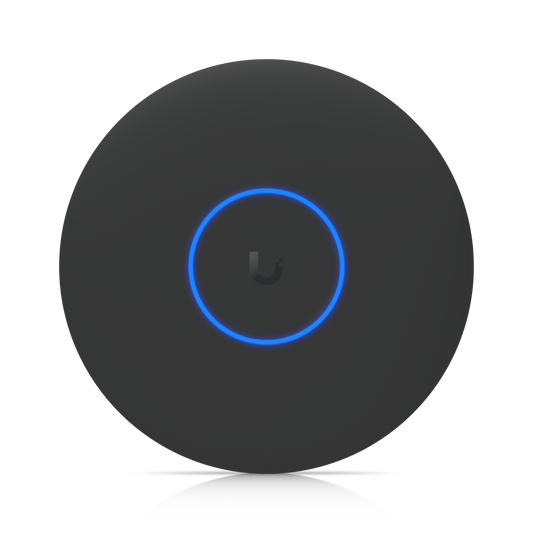



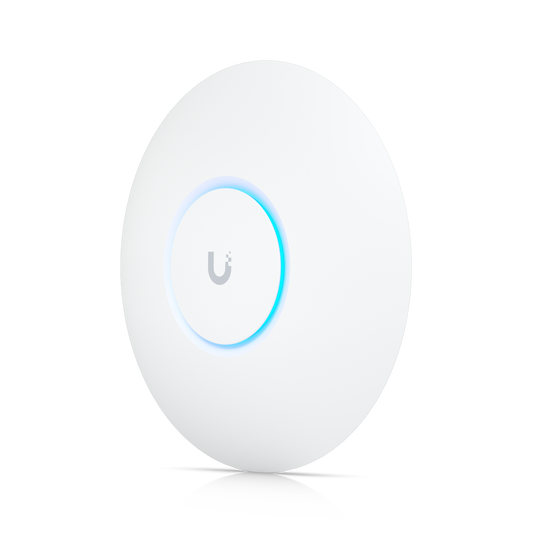

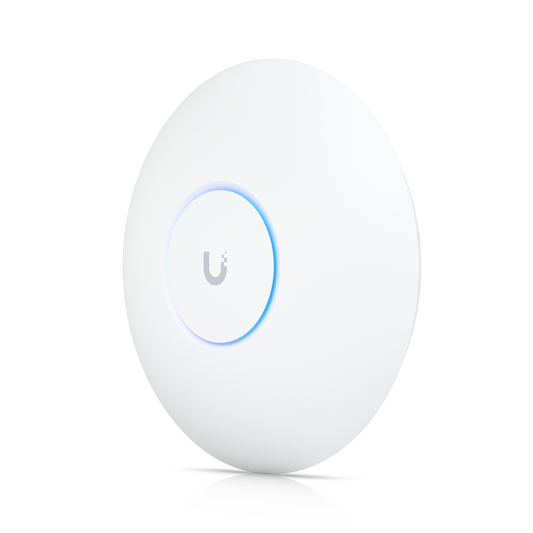

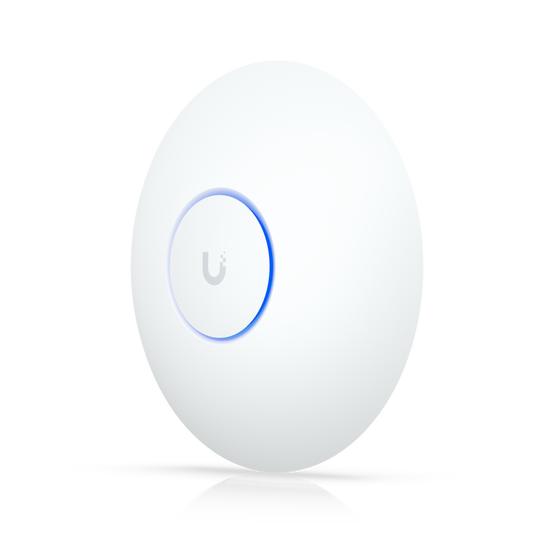

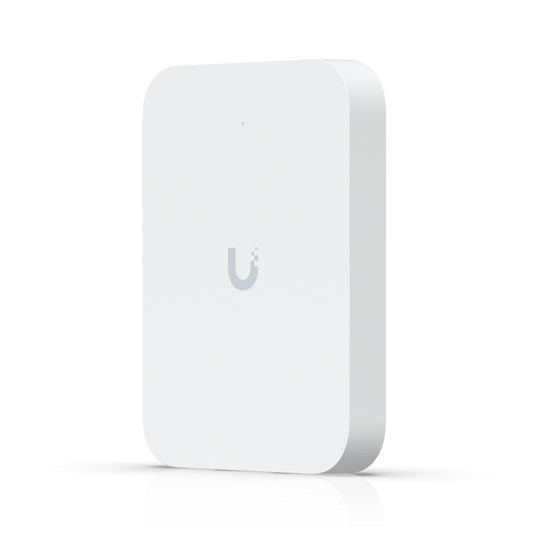

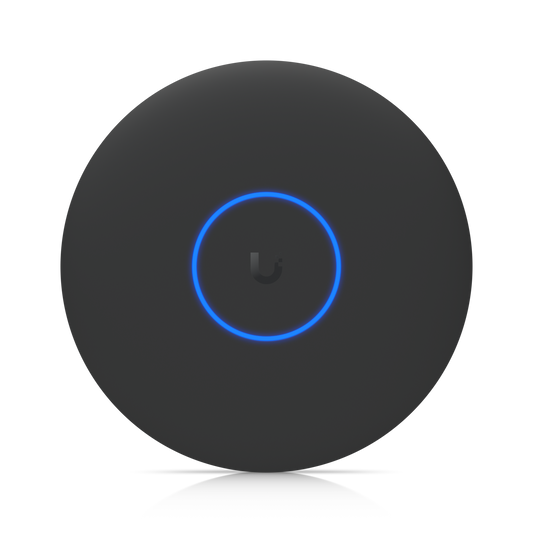

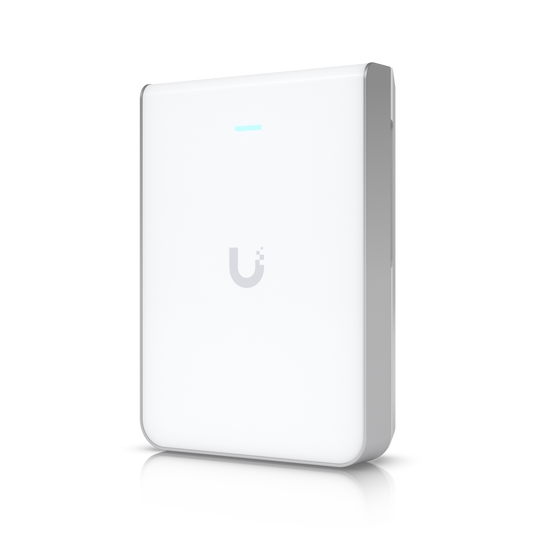







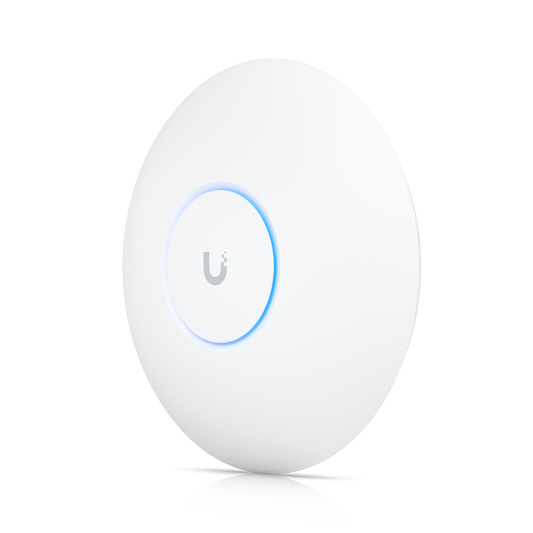

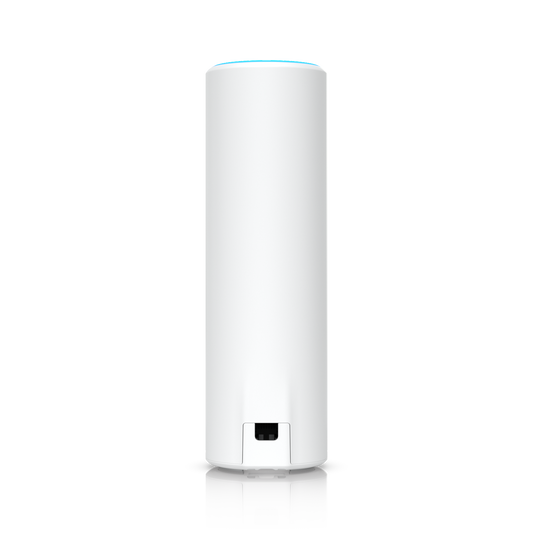

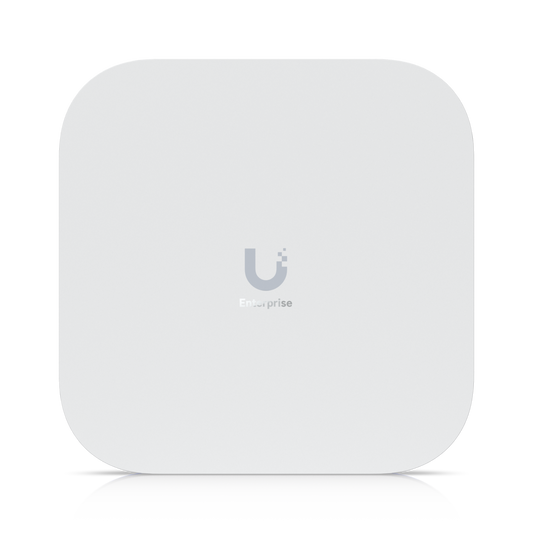



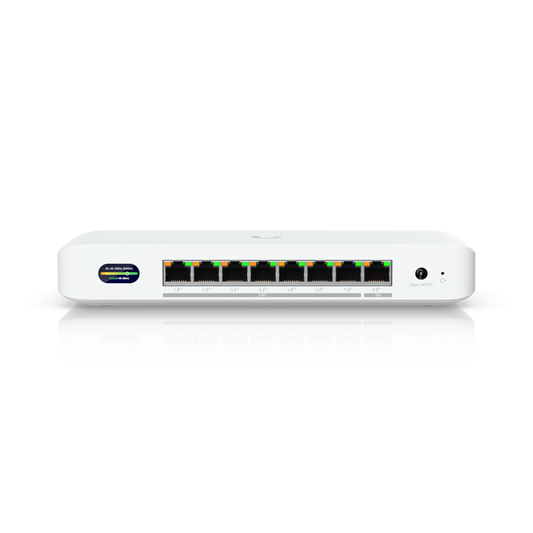
















Fast, reliable WiFi 7 that scales from a single room to a stadium
UniFi WiFi for Every Space
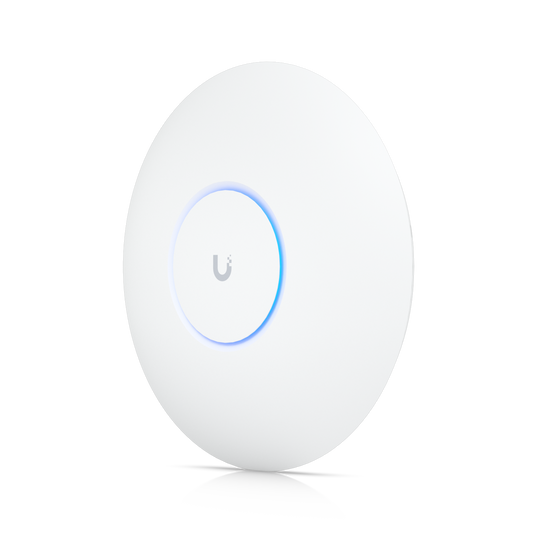
UniFi WiFi brings enterprise-class wireless to homes, offices, schools, hotels, warehouses, and stadiums, all on one platform. This collection covers the complete lineup: WiFi 7 ceiling access points, wall and in-wall units, weatherproof outdoor and industrial APs, wireless bridges, and specialty devices like the AirWire adapter and UniFi Travel Router. Every access point runs in the UniFi Network application, so you can start with a single AP and grow to hundreds across multiple locations without switching platforms or paying per-device license fees.
Built for WiFi 7
Most of the access points in this collection run on WiFi 7, the latest generation of WiFi. Multi-Link Operation (MLO) lets compatible devices use more than one band at the same time for higher throughput, lower latency, and a steadier connection. Channel puncturing keeps wide channels working by carving out a noisy slice of spectrum instead of dropping to a narrower width. Many models add a 6 GHz radio for access to less crowded spectrum that only WiFi 6E and WiFi 7 devices can use, while 2.5 GbE and 10 GbE uplinks keep the cable behind each access point from becoming the bottleneck. Select models also carry a dedicated spectral scanning radio that monitors the RF environment around the clock, flagging interference before your users notice it.
Shop UniFi Access Points by Series
Flagship Ceiling Access Points
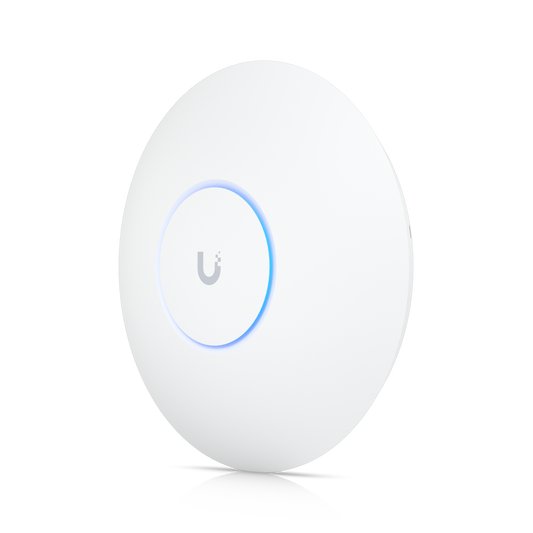
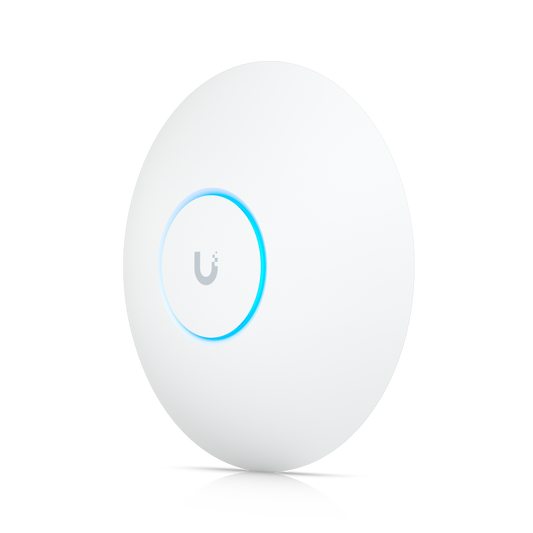
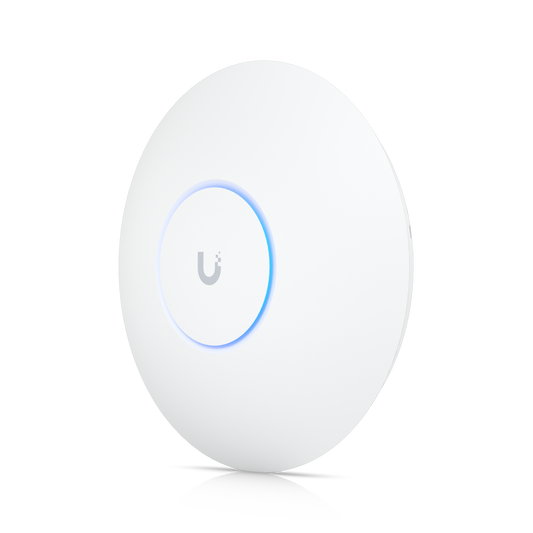
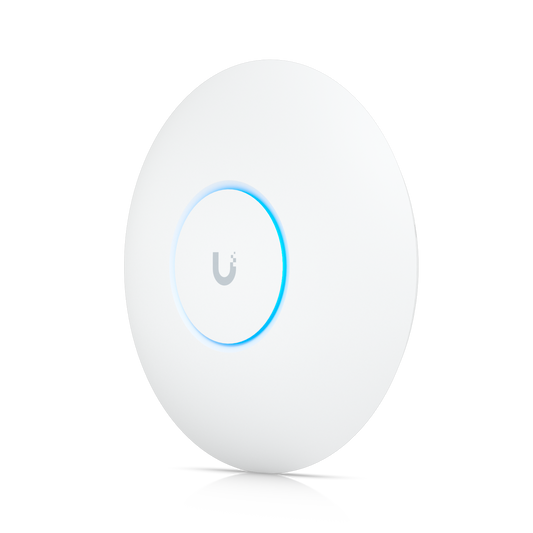
The Flagship series is the foundation of most UniFi networks. The U7 Lite and U7 Long-Range are compact, cost-effective ways to move to WiFi 7, while the U7 Pro and U7 Pro Max add 6 GHz and more spatial streams for busy offices and larger homes. For multi-gig networks, the U7 Pro XG and U7 Pro XGS connect at up to 10 GbE, and the XGS adds a dedicated spectral scanning radio. WiFi 6 and 6E models, including the U6+, U6 Pro, and U6 Enterprise, remain available for expanding existing deployments.
Enterprise and High-Density WiFi
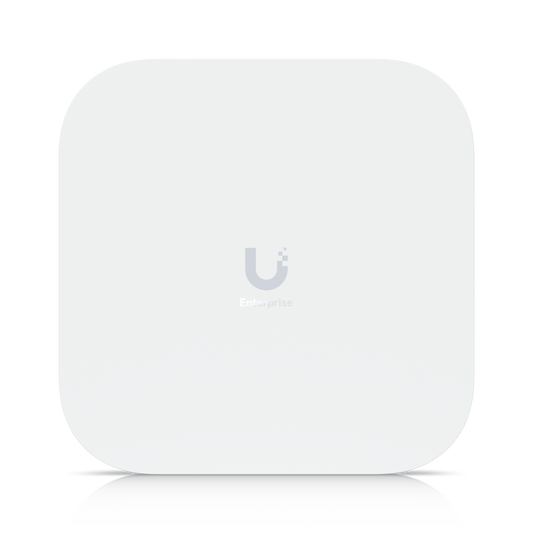
The E7 Enterprise series is built for networks where downtime isn’t an option. Each model pairs a 10 GbE uplink with a secondary GbE port for failover and supports more than 1,000 connected clients. The E7 Campus adds an IP67-rated enclosure, integrated directional antennas, and PRISM active RF filtering to screen out interference from neighboring 5 GHz channels. The 12-stream E7 Audience scales to 1,500+ devices for stadiums, arenas, and other packed venues; for more large-venue options, browse the Mega Capacity range.
Wall and In-Wall Access Points
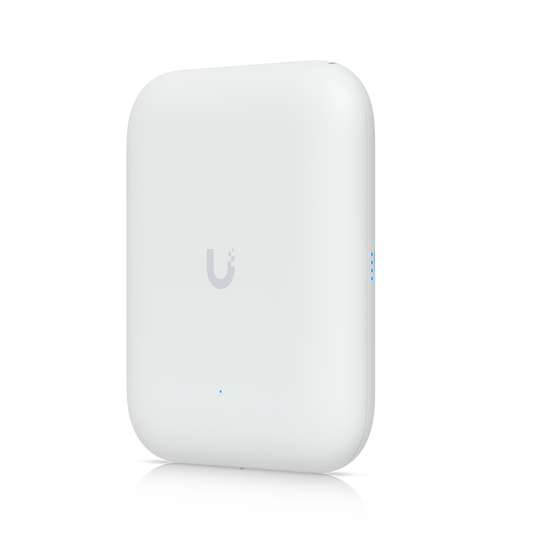
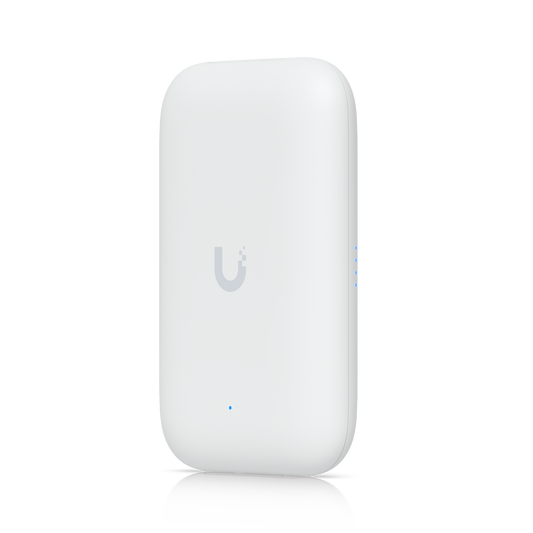
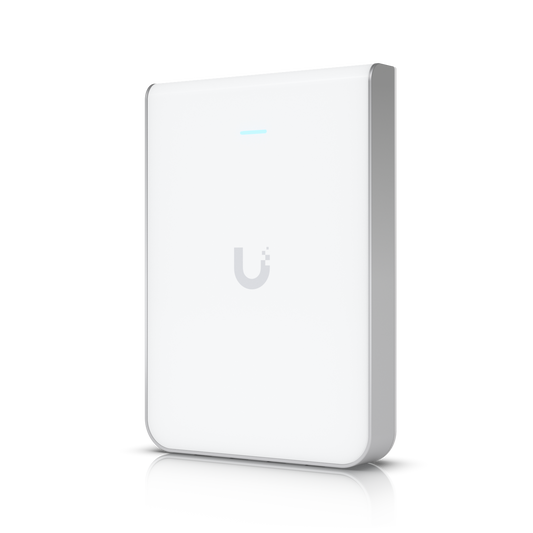
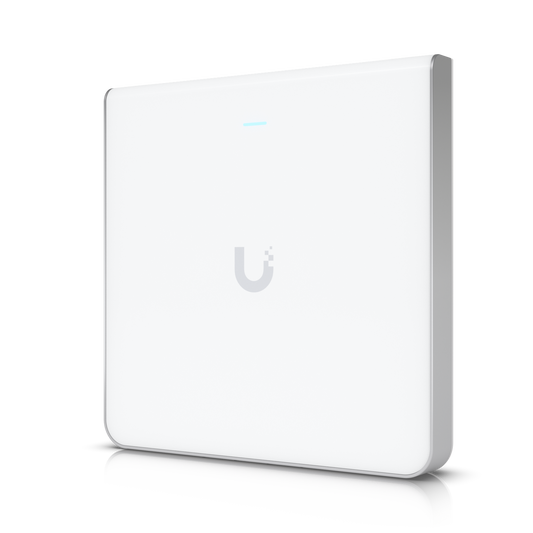
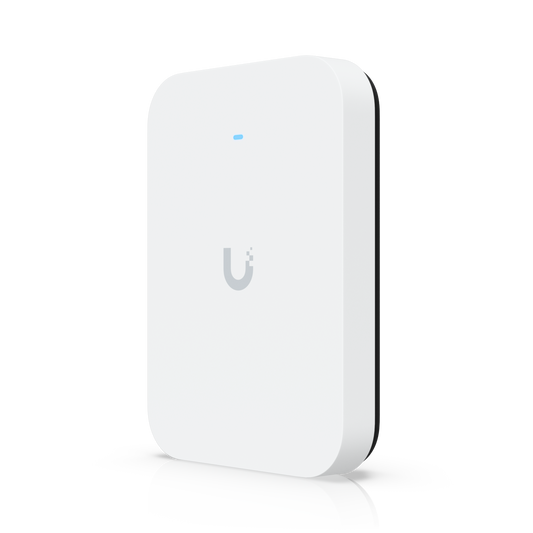
Wall-mounted access points deliver strong room-level coverage without a ceiling install. The U7 Pro Wall and U7 Pro XG Wall bring 6 GHz WiFi 7 to homes and offices, with the XG model supporting 10 GbE. In-wall models, including the U7 In-Wall, U6 Enterprise In-Wall, and U6 In-Wall, install in place of a standard Ethernet wall plate and add built-in switch ports for TVs, phones, and other wired devices, making them a natural fit for hotels, dorms, and apartments.
Outdoor, Mesh, and Industrial Access Points
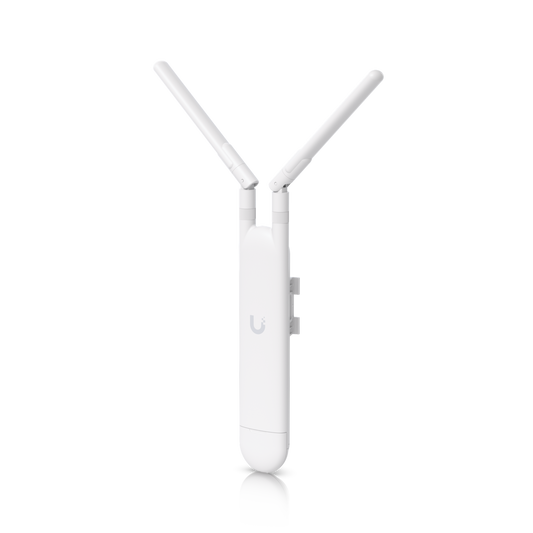
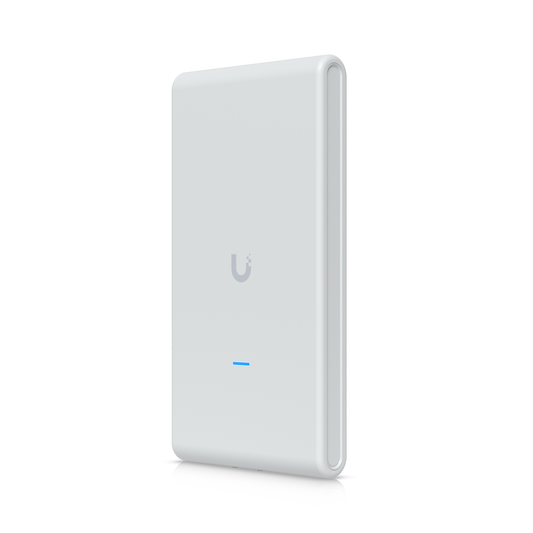
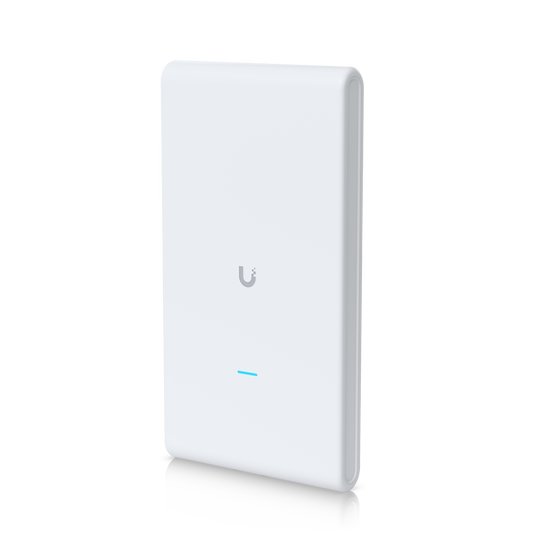
Outdoor UniFi access points extend coverage to patios, parking lots, courtyards, and yards. The U7 Pro Outdoor combines an IP67 rating, an integrated directional super antenna, and AFC-enabled 6 GHz for extended outdoor range, while the U7 Outdoor delivers directional WiFi 7 at a lower price point. The U7 Mesh, U6 Mesh, and U6 Mesh Pro are omnidirectional, work indoors or out, and can mesh wirelessly where running cable isn’t practical. For harsh environments, the U7 Industrial adds a rugged metal enclosure, a wider operating temperature range, and adjustable beamwidth.
Wireless Bridges
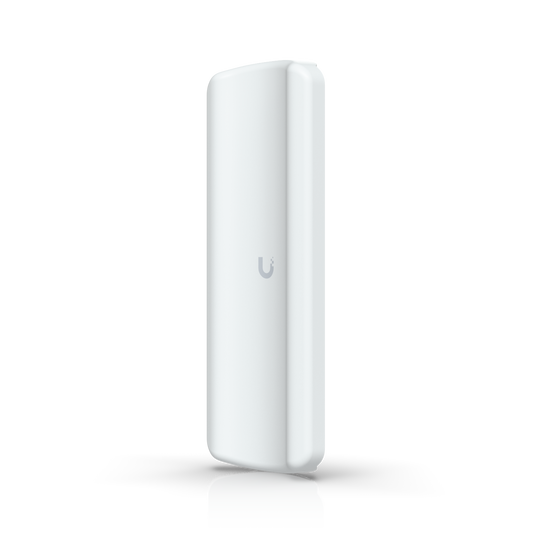
UniFi bridging products connect buildings, cameras, and remote equipment without trenching new cable. The Building-to-Building Bridge links two sites over 60 GHz with a 5 GHz radio standing by as backup, and the XG model adds a 10G SFP+ uplink. The Device Bridge family puts wired devices on your network wirelessly: the Device Bridge and Device Bridge IoT pair automatically with nearby UniFi access points, the Device Bridge Switch combines WiFi 7 bridging with a compact multi-gig PoE+ switch, and the Device Bridge Pro and Pro Sector build point-to-point and point-to-multipoint links that reach 5 km (3+ miles) and beyond.
Special Devices and Whole-Home WiFi
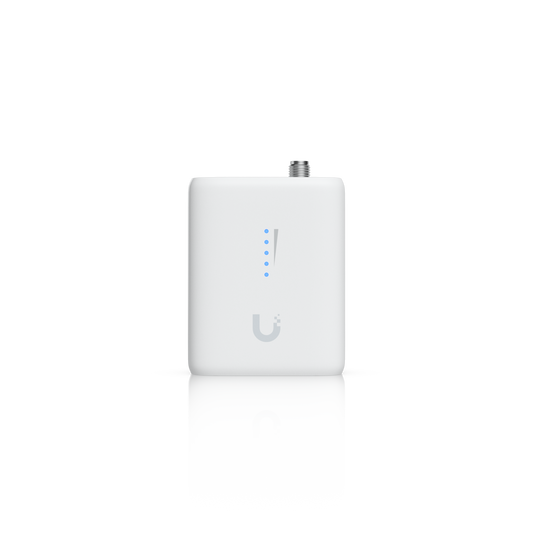
Among the special devices, the AirWire upgrades a desktop or laptop to WiFi 7 over a single USB-C connection, using simultaneous transmit-and-receive MLO across 5 GHz and 6 GHz for multi-gigabit speeds and very low latency. The UniFi Travel Router and Travel Router Long-Range take your UniFi network on the road, with secure connectivity in hotels, at events, and on remote job sites. For homes, the UniFi Express 7 pairs a compact 10G Cloud Gateway with 6 GHz WiFi 7, helps you find the best placement, and expands to whole-home mesh as you add nodes.
One App for Every Access Point
UniFi access points are managed centrally in the UniFi Network application, with no per-device license fees or required subscriptions. Add a UniFi Cloud Gateway and the same interface gives you traffic insights, VPN access, and policy-based routing, while UniFi Site Manager lets you oversee one site or hundreds. From there you can visualize coverage and channel use, adjust channels, width, and transmit power on 2.4, 5, and 6 GHz, roll out VLAN changes to thousands of APs at once, and authenticate users through UniFi Identity or RADIUS. Guest networks are isolated by default through the Guest Firewall Zone included with every UniFi Cloud Gateway, keeping visitors separate from point-of-sale terminals and internal devices.
How to Choose the Right UniFi Access Point
Start with the space. Ceiling-mounted Flagship APs suit most homes and offices, wall and in-wall models cover individual rooms, and outdoor, mesh, and industrial models handle open areas and tough conditions. Then match the hardware to demand: more spatial streams and a 6 GHz radio help in busy spaces, while 2.5 GbE or 10 GbE uplinks keep pace with multi-gig internet and heavy client loads. The filters on this page narrow results by WiFi standard, Ethernet speed, stream count, 6 GHz radio, spectral radio, and external antenna support. Before you buy, plan placement, coverage, and cabling on your floor plan in the free UniFi Design Center, then check real-world performance with the WiFiman app once you’re up and running.
UniFi WiFi FAQs
Do UniFi access points require a license or subscription?
No. UniFi access points are managed in the UniFi Network application with no per-device license fees or mandatory subscriptions.
Do I need a UniFi Cloud Gateway?
A UniFi Cloud Gateway or other UniFi console unlocks the full UniFi Network feature set and is required for wireless meshing between access points. Simple deployments can also run access points in standalone mode.
How are UniFi access points powered?
Most UniFi access points use Power over Ethernet (PoE), so a single cable carries both data and power from a PoE switch or adapter. Check each model’s specs for the PoE standard it requires.
How many access points do I need?
It depends on the size, layout, and construction of your space and how many devices connect at once. The free UniFi Design Center lets you model coverage on your own floor plan before you buy.