
-
Vendor:Ubiquiti
UniFi Network Video Recorder
UNVRRegular price $584.00Regular price$637.00Sale price $584.00Sale -
Vendor:Ubiquiti
UniFi Network Video Recorder Instant
UNVR-InstantRegular price $355.00Regular price$395.00Sale price $355.00Sale -
Vendor:Ubiquiti
UniFi Network Video Recorder Instant Kit
UNVR-Instant-KitRegular price $1,070.00Regular price$1,275.00Sale price $1,070.00Sale -
Vendor:Ubiquiti
UniFi Network Video Recorder Pro
UNVR-ProRegular price $958.00Regular price$989.00Sale price $958.00Sale -
Vendor:Ubiquiti
UniFi Enterprise Network Video Recorder
ENVRRegular price $6,769.00Regular price$6,999.00Sale price $6,769.00Sold out -
Vendor:Ubiquiti
UniFi Network Video Recorder G2
UNVR-G2Regular price $1,387.00Regular price$1,539.00Sale price $1,387.00Sold out -
Vendor:Ubiquiti
UniFi Network Video Recorder G2 Pro
UNVR-G2-ProRegular price $1,931.00Regular price$1,979.00Sale price $1,931.00Sold out







Secure every door and record every camera from one console
One system for your doors and your cameras
Door access and CCTV are often bought as two separate systems, with two vendors, two logins and two sets of ongoing fees. A UniFi Door Access NVR replaces both with a single console. Every recorder in this range runs UniFi Protect for video and UniFi Access for door control, so locks, readers, users and footage are all managed together in UniFi OS. Access is licence-free, Protect records locally with no subscription, and your footage stays on drives you own.
Why run door access on your NVR
- One user list for every door. Add a staff member once, then assign their doors and schedules from the same console that records your cameras.
- Video alongside door events. Link a camera to a door, or use a camera-equipped reader, and review footage next to unlocks and denied attempts.
- Credentials to suit your site. NFC cards and fobs, PIN codes, mobile unlock or Touch Pass, depending on the readers you choose.
- Room to grow without licences. Add doors and users without per-door fees. In Ubiquiti’s own testing, the Enterprise NVR supports up to 300 Access hubs and 30,000 card users.
- Built to keep recording. RAID on multi-bay models and redundant power options help keep the system running if a drive or power supply fails.
Choosing the right UniFi NVR
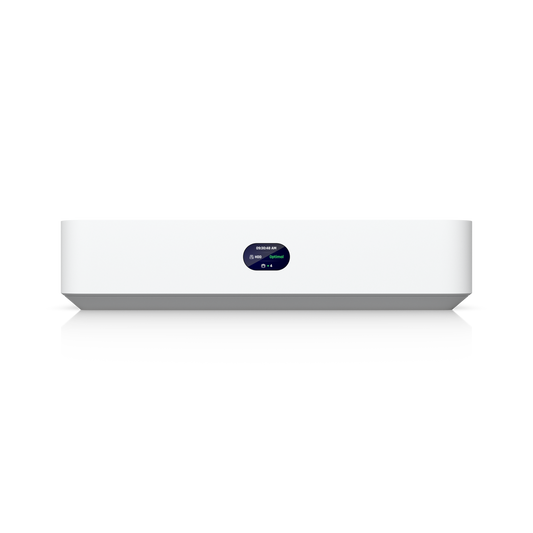
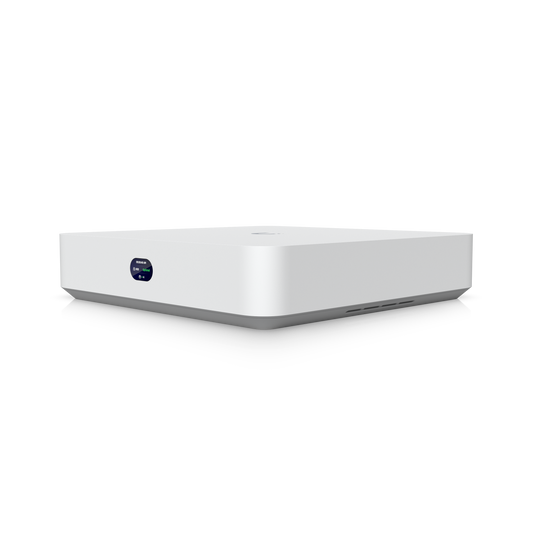
NVR Instant (UNVR-Instant): small offices, shops and homes. A compact desktop recorder with one 3.5" drive bay, a built-in 6-port PoE switch to power your cameras and an HDMI output for live viewing. It supports up to 6 4K or 15 Full HD cameras and up to 50 Access hubs. The NVR Instant Kit adds four G5 Turret Ultra cameras and a 1TB drive for a ready-to-install system.
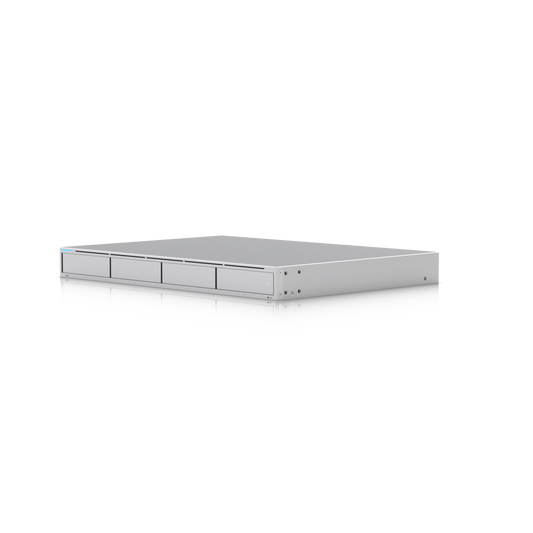
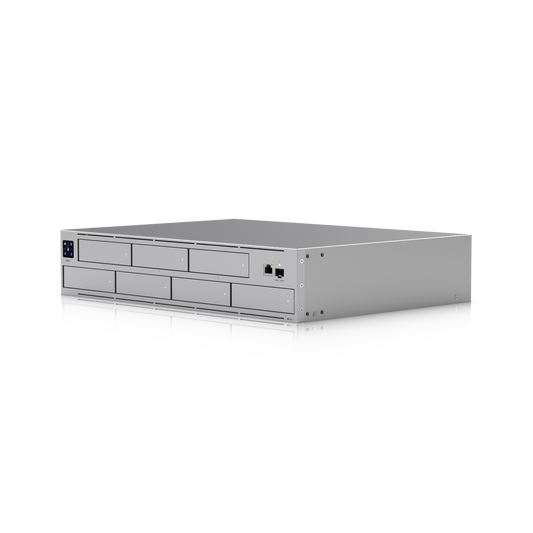
NVR (UNVR) and NVR Pro (UNVR-Pro): growing businesses. Proven rack-mount recorders with RAID, an SFP+ uplink and support for redundant power. The 1U NVR has four drive bays for up to 18 4K or 60 Full HD cameras, while the 2U NVR Pro has seven bays for up to 24 4K or 70 Full HD cameras. Both manage up to 150 Access hubs.
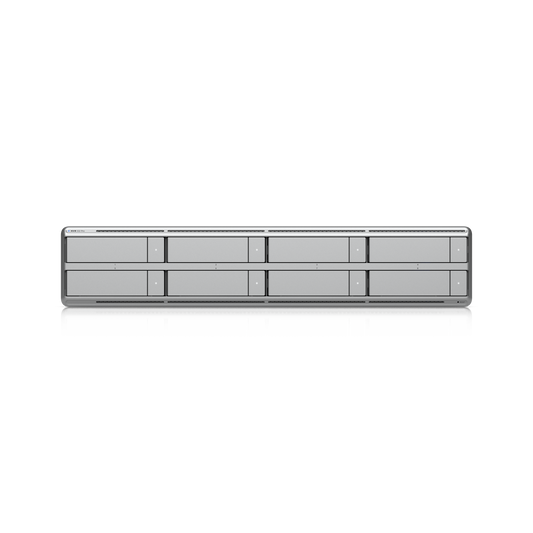
NVR G2 (UNVR-G2) and NVR G2 Pro (UNVR-G2-Pro): AI-powered monitoring. The second generation adds built-in AI event analytics, HDMI output for a local display and faster 2.5 GbE networking alongside SFP+. The 1U G2 has four bays for up to 30 4K or 60 Full HD cameras, and the 2U G2 Pro has eight bays for up to 50 4K or 100 Full HD cameras. Both are rated for 150+ Access hubs.
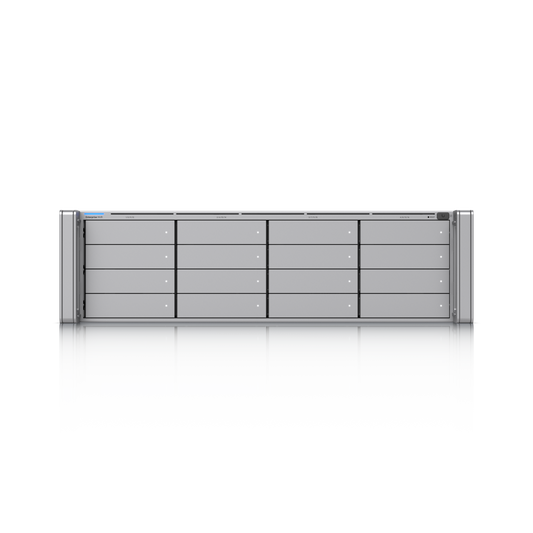
Enterprise NVR (ENVR) and Enterprise NVR Core (ENVR-Core): large and multi-building sites. Both are 3U, 16-bay recorders with hot-swappable redundant power supplies. The ENVR supports up to 70 4K or 210 Full HD cameras over 10 GbE and dual SFP+, and manages up to 300 Access hubs. The ENVR Core scales to 300 4K or 500 Full HD cameras, with dual SFP28 uplinks and optional 16-bay storage expansion units.
Add door access to an existing UniFi network
If your current UniFi gateway doesn’t run UniFi Access, adding an NVR from this range is the simplest way to get it. The new console sits alongside your network in UniFi Site Manager, so you can oversee doors, cameras and multiple sites remotely from one dashboard. Pair it with UniFi Access hubs, readers and intercoms to complete your system.
Frequently asked questions
Does UniFi Access require a licence?
No. UniFi Access is licence-free and UniFi Protect records locally without a subscription, so there are no ongoing per-door or per-camera fees.
How many doors can a UniFi NVR manage?
Capacity is measured in Access hubs rather than doors, because one hub can control a single door or, with the Enterprise Access Hub, up to eight. Across this range, capacity runs from 50 hubs on the NVR Instant to 300 on the Enterprise NVR.
Are hard drives included?
Drives are sold separately, so you can size storage to suit your retention needs. The NVR Instant Kit is the exception and comes with a 1TB drive.