
-
Vendor:Ubiquiti
UniFi Door Hub Mini
UA-Hub-Door-MiniRegular price $246.00Regular price$246.00Sale price $246.00Sold out -
Vendor:Ubiquiti
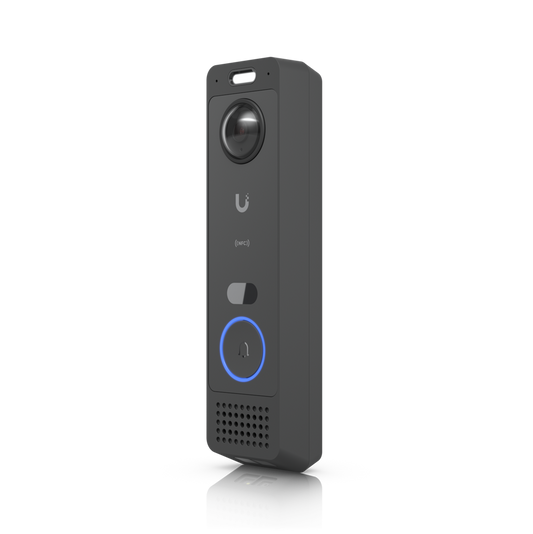
UniFi G6 Entry PoE+ Doorbell
UVC-G6-EntryRegular price $429.00Regular price$577.00Sale price $429.00Sale -
Vendor:Ubiquiti
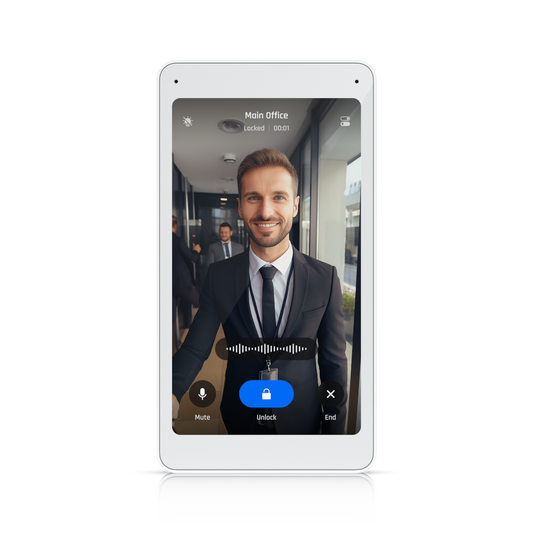
UniFi Intercom Viewer
UA-Intercom-ViewerRegular price From $299.00Regular price$299.00Sale price From $299.00Ubiquiti UA-Intercom-Viewer UniFi Intercom Viewer
Regular price From $299.00Regular price$299.00Sale price From $299.00Ubiquiti UA-Intercom-Viewer UniFi Intercom Viewer
Regular price From $299.00Regular price$299.00Sale price From $299.00 -
Vendor:Ubiquiti
UniFi Reader Flex
UA-G3-FlexRegular price $293.00Regular price$369.00Sale price $293.00Ubiquiti UA-G3-Flex UniFi Reader Flex
Regular price $293.00Regular price$369.00Sale price $293.00Ubiquiti UA-G3-Flex UniFi Reader Flex
Regular price $293.00Regular price$369.00Sale price $293.00Sale -
Ubiquiti UA-G3-Pro UniFi G3 Reader Pro
Regular price $674.00Sale price $674.00Ubiquiti UA-G3-Pro UniFi G3 Reader Pro
Regular price $674.00Sale price $674.00Sale -
Vendor:Ubiquiti
UniFi G6 Pro Entry PoE+ 12MP Doorbell
UVC-G6-Pro-EntryRegular price $651.00Regular price$896.00Sale price $651.00Sale -

 Sold outVendor:Ubiquiti
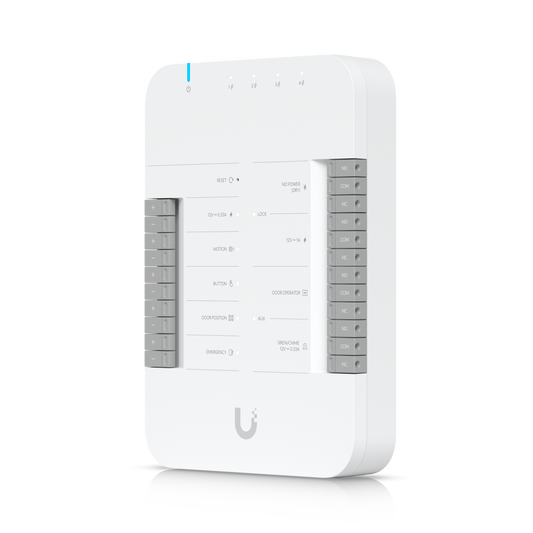
UniFi Door Hub
UA-Hub-DoorRegular price $489.00Regular price$489.00Sale price $489.00Sold out -
Vendor:Ubiquiti
UniFi Gate Hub
UA-Hub-GateRegular price $501.00Regular price$539.00Sale price $501.00Sale -

 23% OffVendor:Ubiquiti
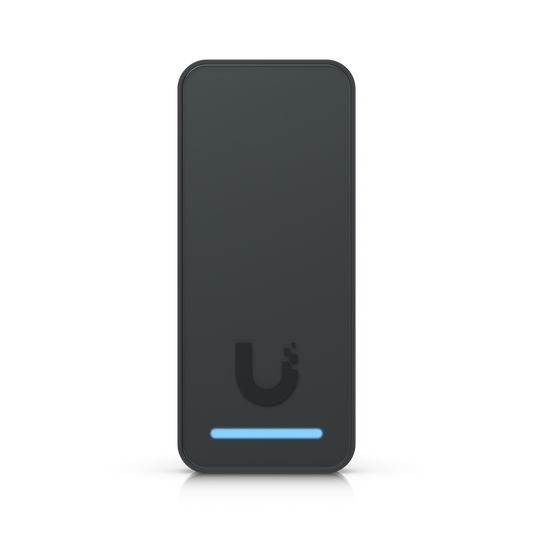
UniFi G3 Reader
UA-G3Regular price $259.00Regular price$335.00Sale price $259.00Ubiquiti UA-G3 UniFi G3 Reader
Regular price $259.00Regular price$335.00Sale price $259.00Ubiquiti UA-G3 UniFi G3 Reader
Regular price $259.00Regular price$335.00Sale price $259.00Sale -
Vendor:Ubiquiti
UniFi G3 Gate Starter Kit
UA-G3-SK-GateRegular price $1,273.00Regular price$1,549.00Sale price $1,273.00Sale -
Vendor:Ubiquiti
UniFi G3 Starter Kit Pro
UA-G3-SK-ProRegular price $937.00Regular price$1,109.00Sale price $937.00Sale -
Vendor:Ubiquiti
UniFi Enterprise Access Hub
EAH-8Regular price $1,806.00Regular price$2,628.00Sale price $1,806.00Sale -
Vendor:Ubiquiti
UniFi G3 Starter Kit
UA-G3-SKRegular price $518.00Regular price$569.00Sale price $518.00Sale -
Vendor:Ubiquiti
UniFi Access Ultra
UA-UltraRegular price $200.00Regular price$244.00Sale price $200.00Sale -
Vendor:Ubiquiti
UniFi Access Reader G2
UA-G2Regular price From $294.00Regular price$321.00Sale price From $294.00Ubiquiti UA-G2 UniFi Access Reader G2
Regular price From $294.00Regular price$321.00Sale price From $294.00Ubiquiti UA-G2 UniFi Access Reader G2
Regular price From $294.00Regular price$321.00Sale price From $294.00Sale -
Vendor:Ubiquiti
UniFi G2 Reader Pro
UA-G2-ProRegular price From $515.00Regular price$549.00Sale price From $515.00Ubiquiti UA-G2-Pro UniFi G2 Reader Pro
Regular price From $515.00Regular price$549.00Sale price From $515.00Ubiquiti UA-G2-Pro UniFi G2 Reader Pro
Regular price From $515.00Regular price$549.00Sale price From $515.00Sale -
Vendor:Ubiquiti
UniFi G2 Starter Kit Pro
UA-G2-SK-ProRegular price $1,058.00Regular price$1,159.00Sale price $1,058.00Sale -
Vendor:Ubiquiti
UniFi Gate Access Starter Kit
UA-SK-GateRegular price $1,449.00Regular price$1,449.00Sale price $1,449.00Sold out -
Vendor:Ubiquiti
UniFi G3 Intercom Terminal
UA-G3-IntercomRegular price $855.00Regular price$923.00Sale price $855.00Sale -
Vendor:Ubiquiti
UniFi Access Intercom
UA-IntercomRegular price $582.00Regular price$582.00Sale price $582.00Sold out -
Vendor:Ubiquiti
UniFi G2 Starter Kit
UA-G2-SKRegular price $617.00Regular price$665.00Sale price $617.00Sale -
Vendor:Ubiquiti
UniFi Retrofit Hub
UA-Retrofit-Hub-2Regular price $531.00Regular price$574.00Sale price $531.00Sale -
Vendor:Ubiquiti
UniFi Retrofit Reader
UA-Retrofit-ReaderRegular price $367.00Regular price$397.00Sale price $367.00Ubiquiti UA-Retrofit-Reader UniFi Retrofit Reader
Regular price $367.00Regular price$397.00Sale price $367.00Ubiquiti UA-Retrofit-Reader UniFi Retrofit Reader
Regular price $367.00Regular price$397.00Sale price $367.00Sale -
Vendor:Ubiquiti
Lite UniFi Access Reader Lite
UA-ReaderRegular price $222.00Regular price$241.00Sale price $222.00Sale -
Vendor:Ubiquiti
UniFi Access Elevator Starter Kit
UA-SK-ElevatorRegular price $1,898.00Regular price$2,049.00Sale price $1,898.00Sale

















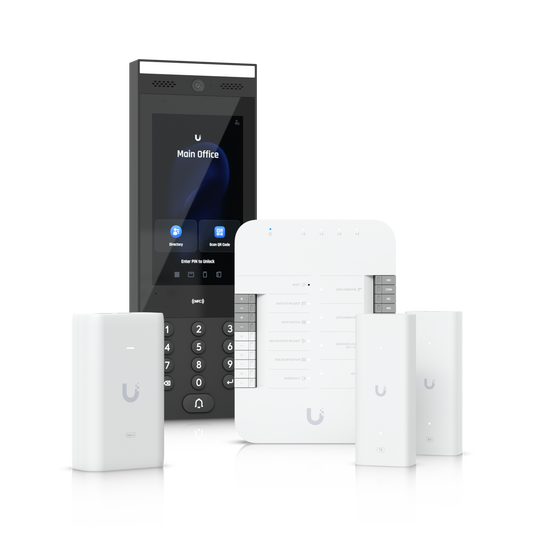

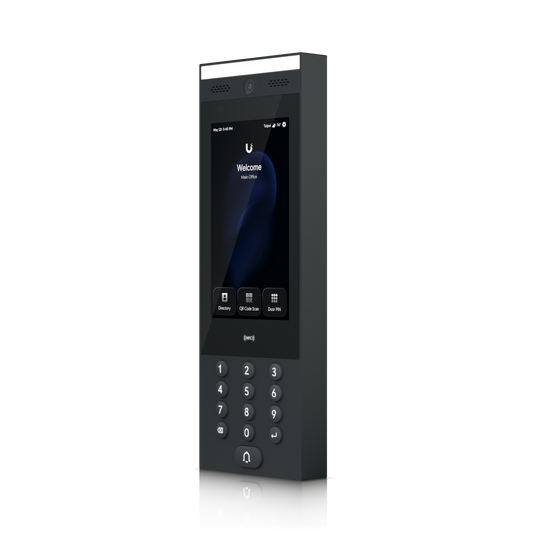

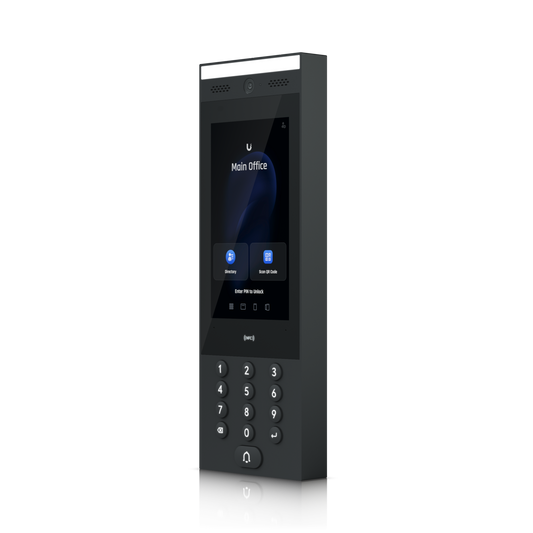

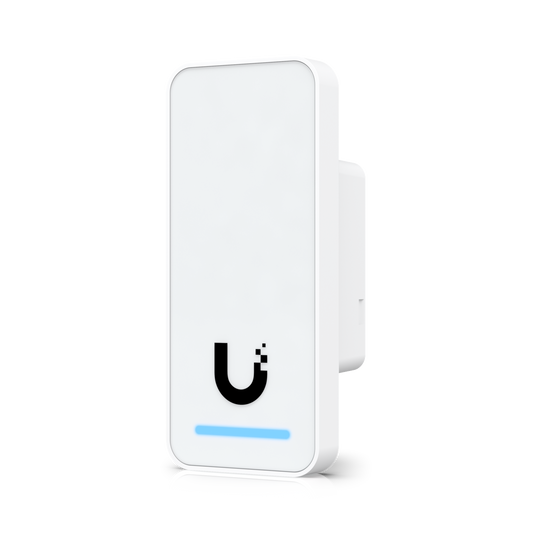




Let the right people in with a tap. No keys, no per-door fees
Door access control built for the UniFi system
UniFi Access replaces metal keys and stand-alone keypads with a modern, IP-based access control system that runs alongside your UniFi network and cameras. Most hardware connects with a single PoE cable and adopts into the Access application in a few clicks. From there, one dashboard lets you add people, set schedules, issue or revoke credentials instantly, and see exactly who unlocked which door, and when. Every Access reader is UL 294-compliant.
Every way to unlock, at every door
Choose the keyless entry methods that suit each entrance:
- Touch Pass: employee badges live in Apple Wallet or Google Wallet, so people tap an iPhone, Apple Watch or Android phone and walk in without opening an app. On iPhone, passes keep working for up to five hours after the battery runs out.
- NFC cards and key fobs for fast, familiar badge entry.
- Mobile unlock over Bluetooth, with optional remote unlock for authorised users.
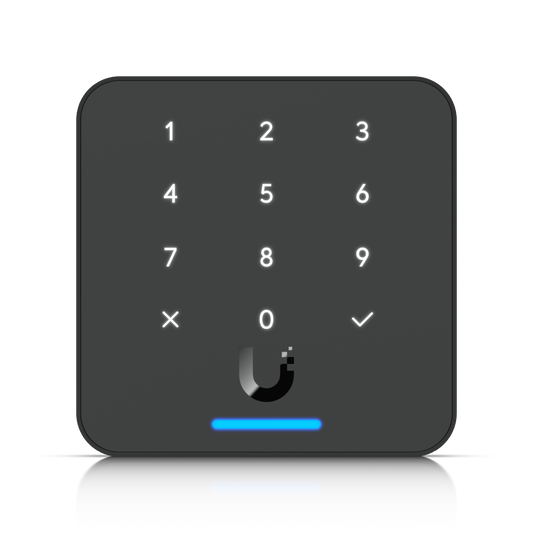
- PIN codes on keypad and touchscreen readers.
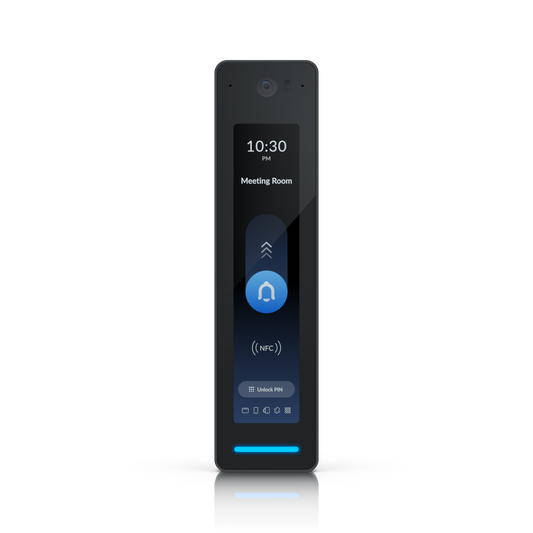
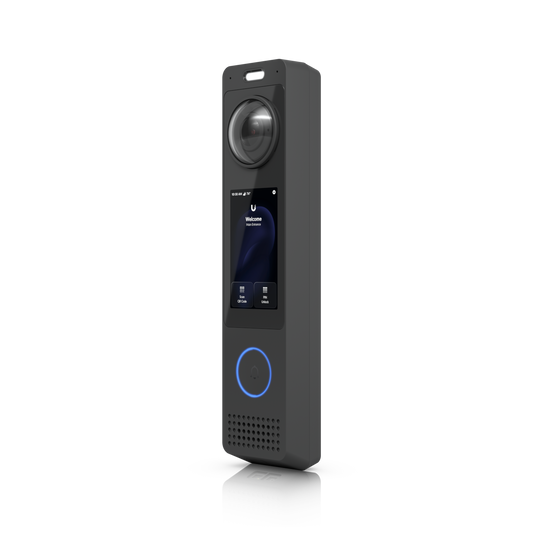
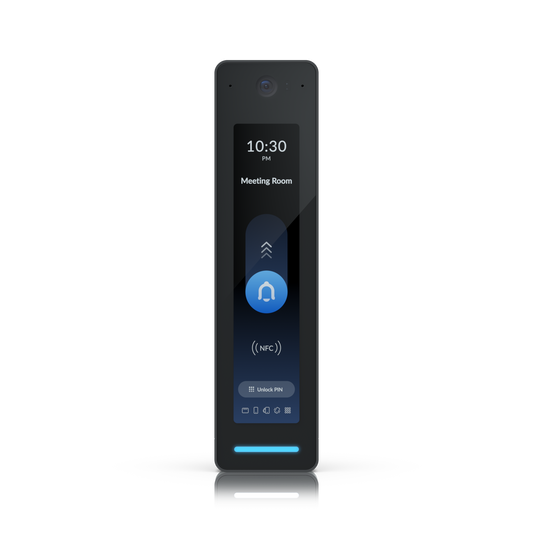
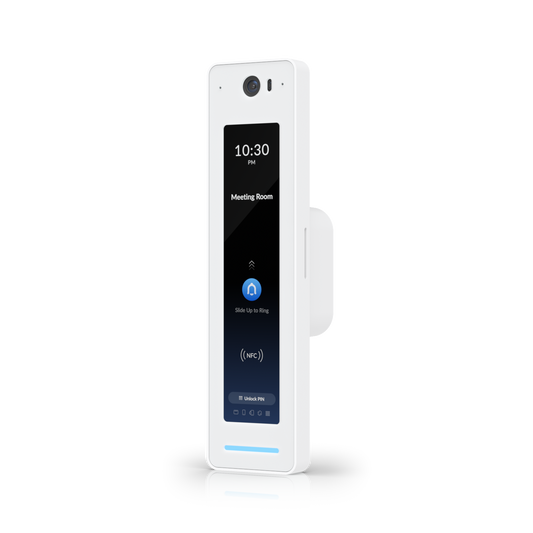
- Face Unlock on Reader Pro, intercoms and the G6 Entry doorbell.
- Fingerprint on the G3 Reader Fingerprint and Retrofit Reader Fingerprint.
- QR codes for visitors, hand-wave exit on compact readers, and number plate recognition for vehicles, using a compatible UniFi Protect AI camera.
For server rooms and other sensitive spaces, require two methods, such as a card plus a PIN, before the door releases.
Find the right hardware
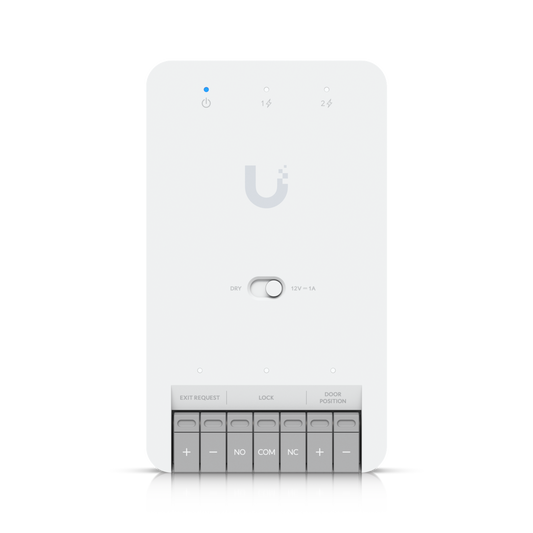
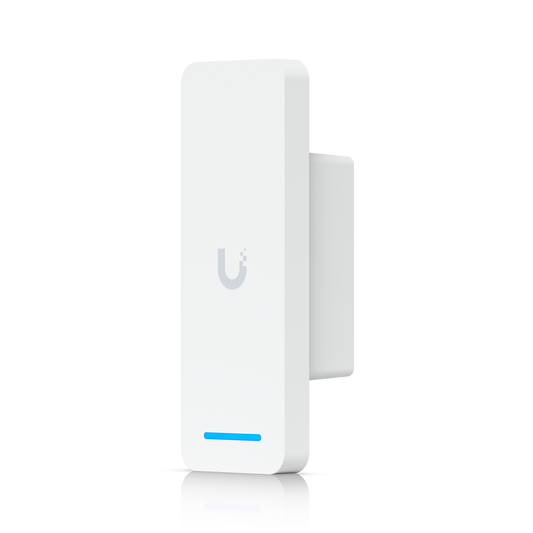
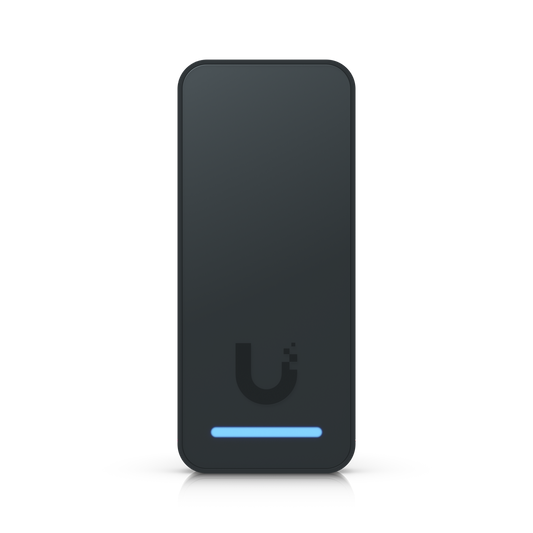
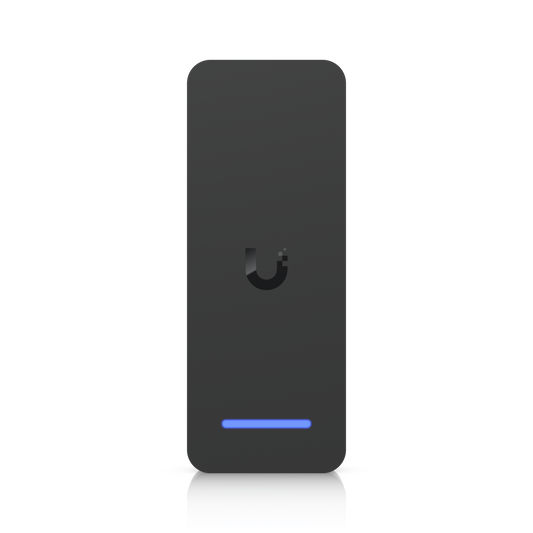
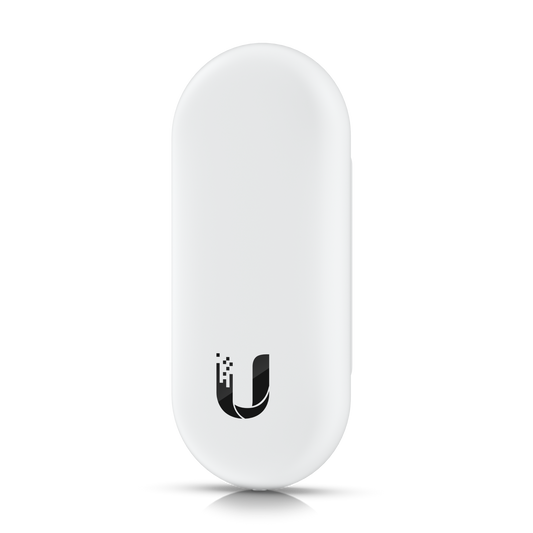
- Readers: compact G3 Readers, the keypad-equipped Reader Flex, fingerprint models, touchscreen Reader Pro intercoms and G6 Entry video doorbells. Access Ultra combines reader and hub in one device for simple single-door installs.
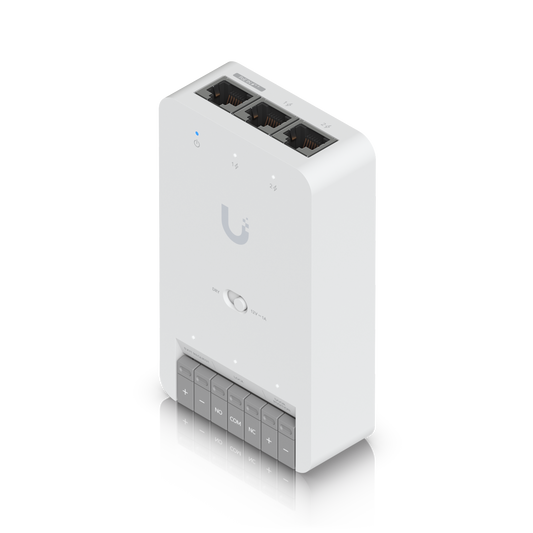
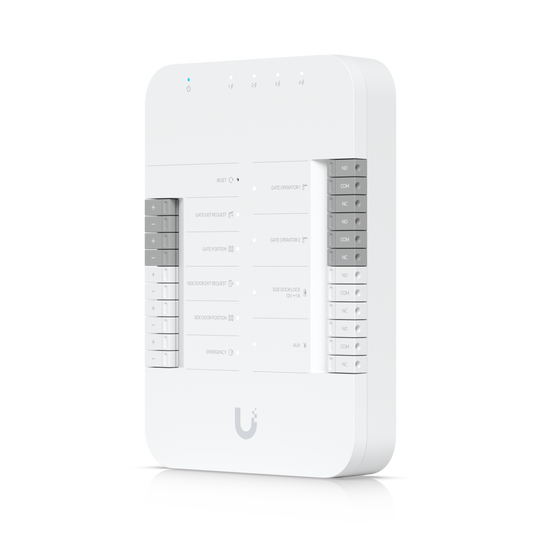
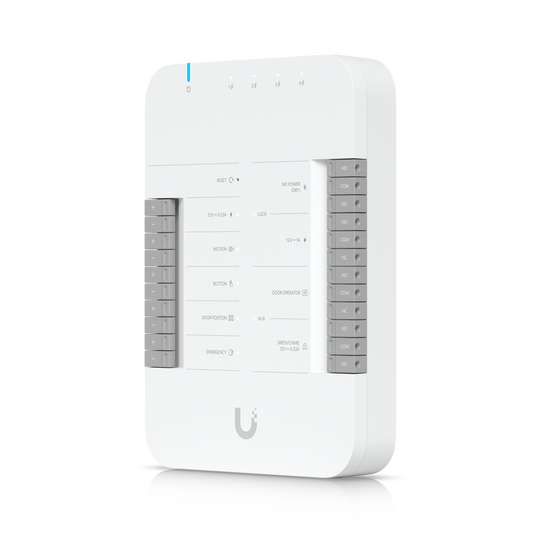
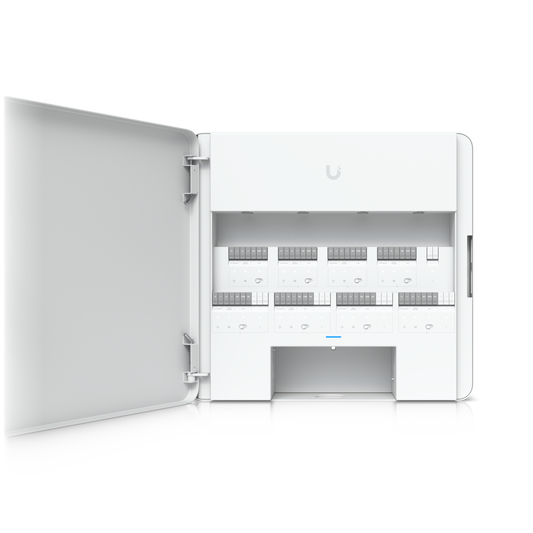
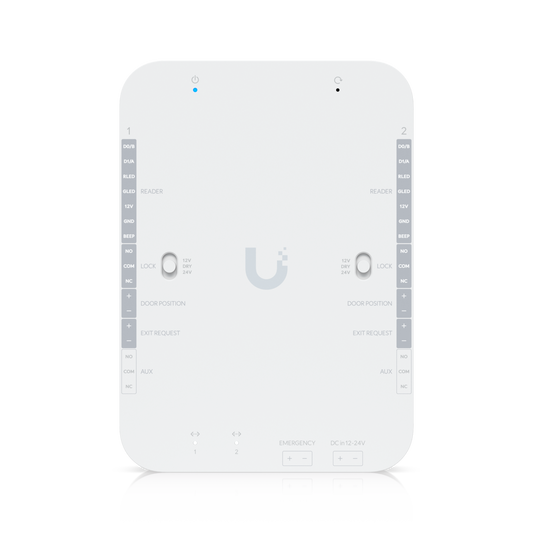
- Hubs: Door Hub and Door Hub Mini for single doors, Gate Hub for gates, and the Enterprise Access Hub, which controls up to eight doors and supports battery backup.
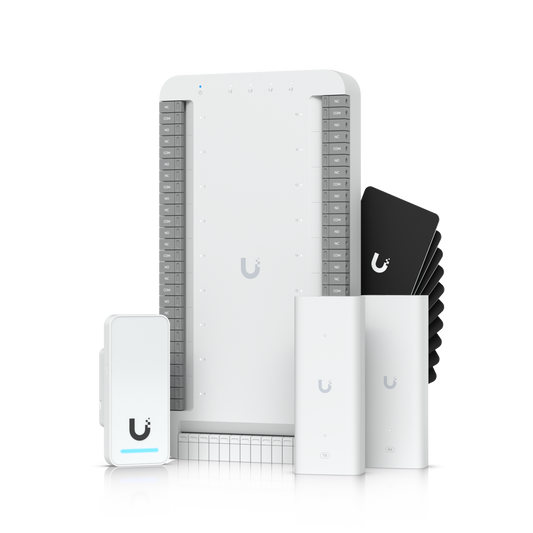
- Starter kits: a hub, reader and key fobs for one door in a single box, plus dedicated kits for vehicle gates and for lifts serving up to 18 floors.
- Intercoms: greet visitors with video and two-way audio, then screen and unlock from the Intercom Viewer or your phone.
- NVRs: record video for your entrances. Compatible models can also host the Access application, keeping door events and footage on one console.
- Accessories: magnetic locks, fail-safe and fail-secure electric strikes and bolts, panic bars, door closers, exit buttons, emergency key overrides, credentials, mounts and cabling.
See who’s at the door
Because Access and UniFi Protect share one platform, you can pair a door with a Protect camera, Reader Pro, intercom or G6 Entry doorbell to watch it live and replay a short clip of each unlock, right from the Access log.
Grow from one door to every site
Start small with Access Ultra or a starter kit, then add doors, gates and lifts as you grow. Access policies and schedules decide who gets in where and when, and lockdown and evacuation modes act on every door at once. UniFi’s hybrid cloud keeps your data on your own console while giving you encrypted remote access to every location.
Upgrade without rewiring
Replacing a legacy system? The Retrofit Hub connects Wiegand and OSDP readers, Retrofit Readers reuse existing cabling, and PoE-over-2-wire extenders carry power and data over twisted-pair or coax already in the wall.
UniFi Access FAQs
Does UniFi Access require a subscription?
The Access application has no per-door or per-reader licensing fees: you buy the hardware and run it on a compatible UniFi console. Touch Pass wallet credentials are an optional add-on billed per user per year, and each console gets 10 complimentary passes for its first year.
What do I need to get started?
You need a UniFi console that runs Access, such as a compatible Cloud Gateway, CloudKey+ or UniFi NVR. Each door then needs a hub, a reader and a lock. Starter kits bundle the hub, reader and key fobs, so you only add the lock that suits your door.
How do visitors get in?
Send them a QR code or PIN. They can also call from an intercom or video doorbell, so staff can see them, speak to them and unlock from the Intercom Viewer or the app.