


UniFi Access Intercom
UniFi Access Intercom
SKU:UA-Intercom
Sale Live Now. Limited promotional stock available — don’t miss out!
Out of stock
Couldn't load pickup availability
Australian Reseller | Australian Stock | Australian Warranty
Found it cheaper elsewhere? Let us know
Buying for your business? Earn Store Credits
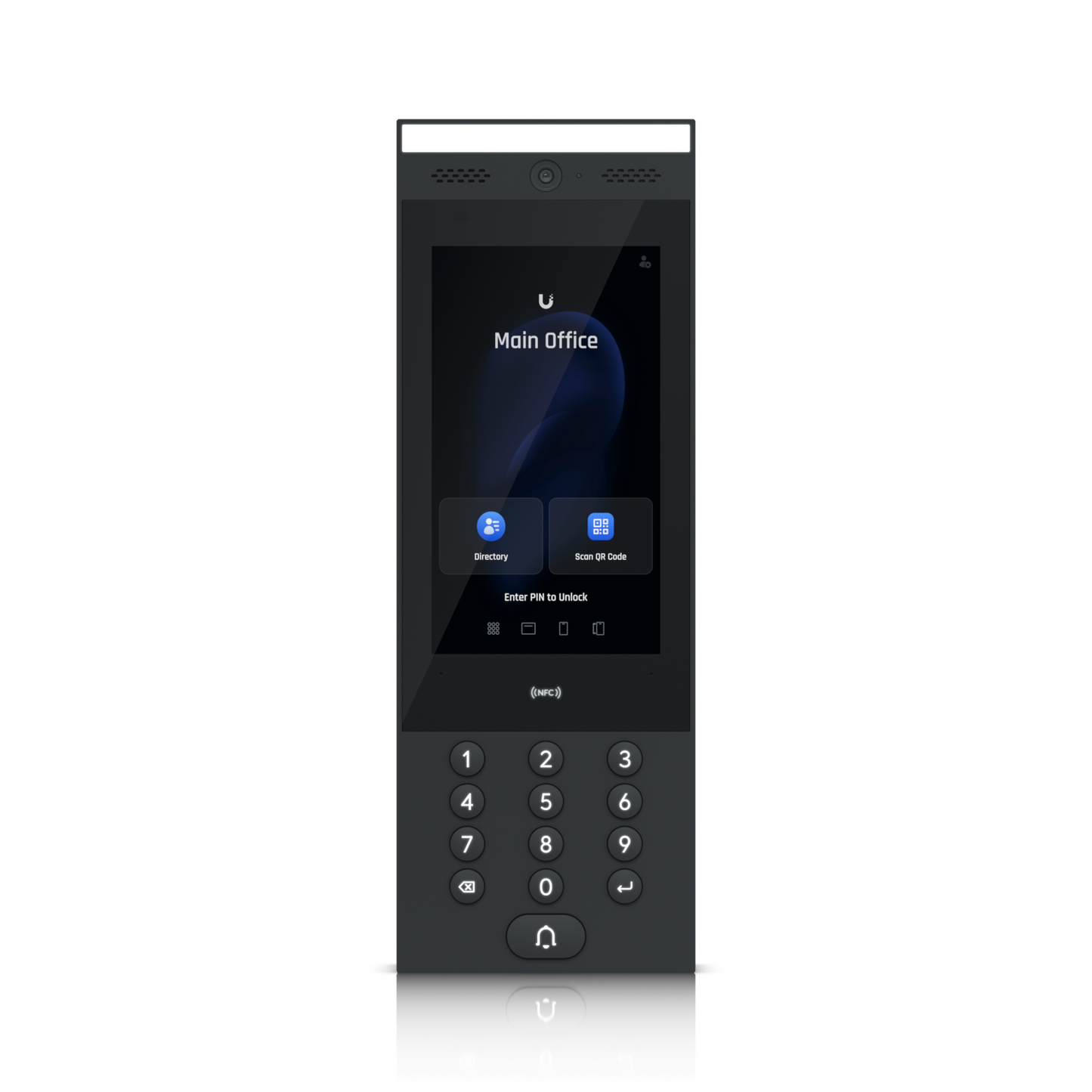
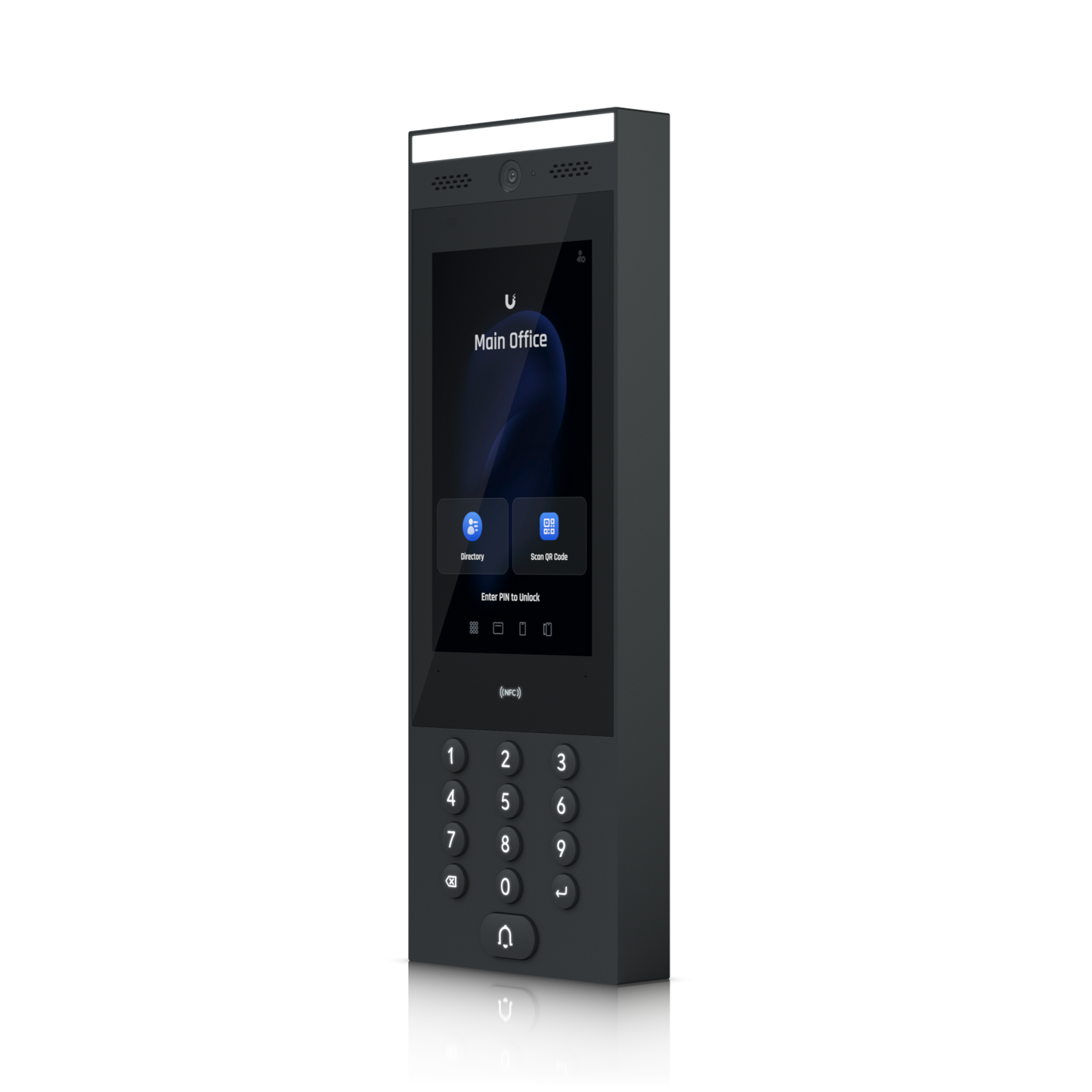
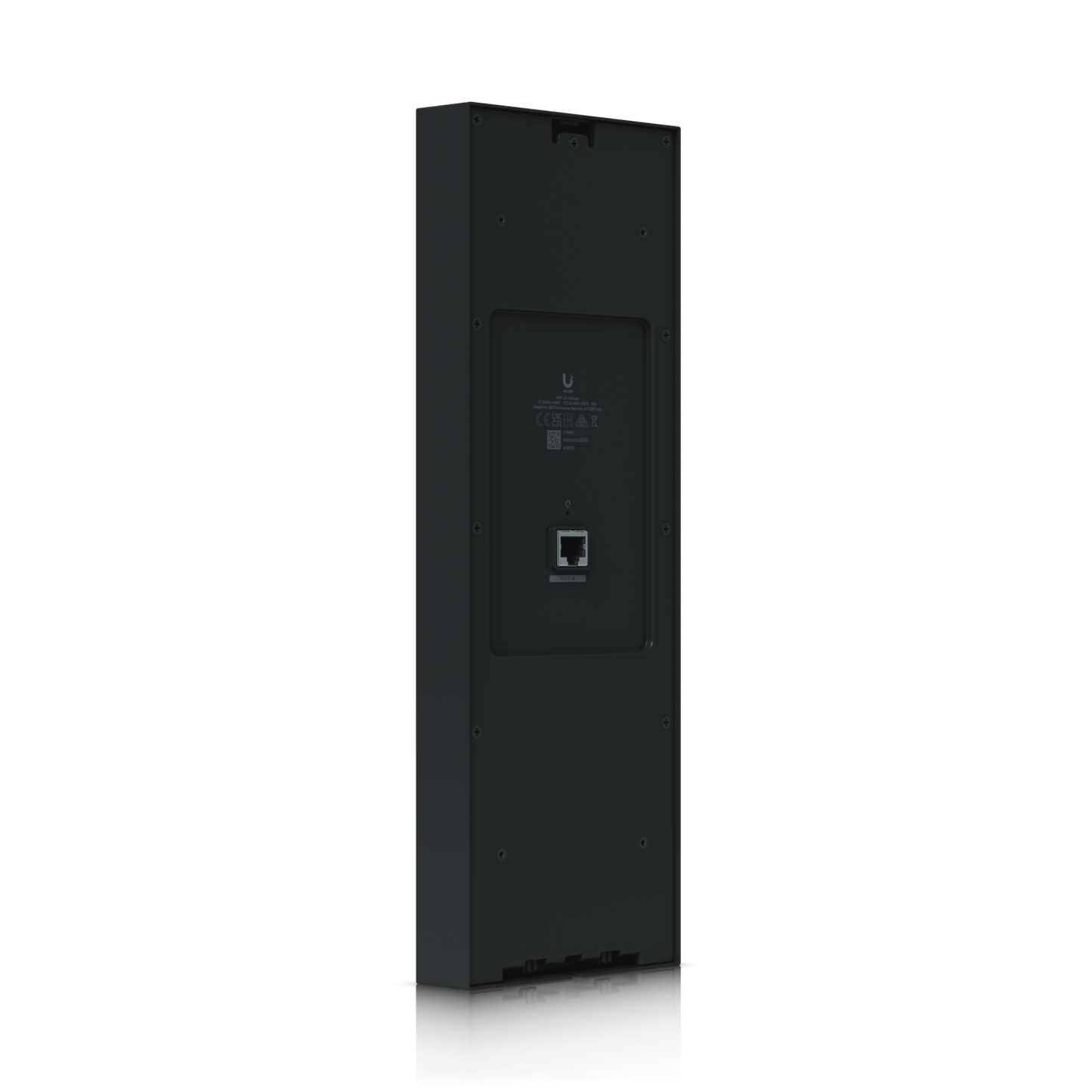
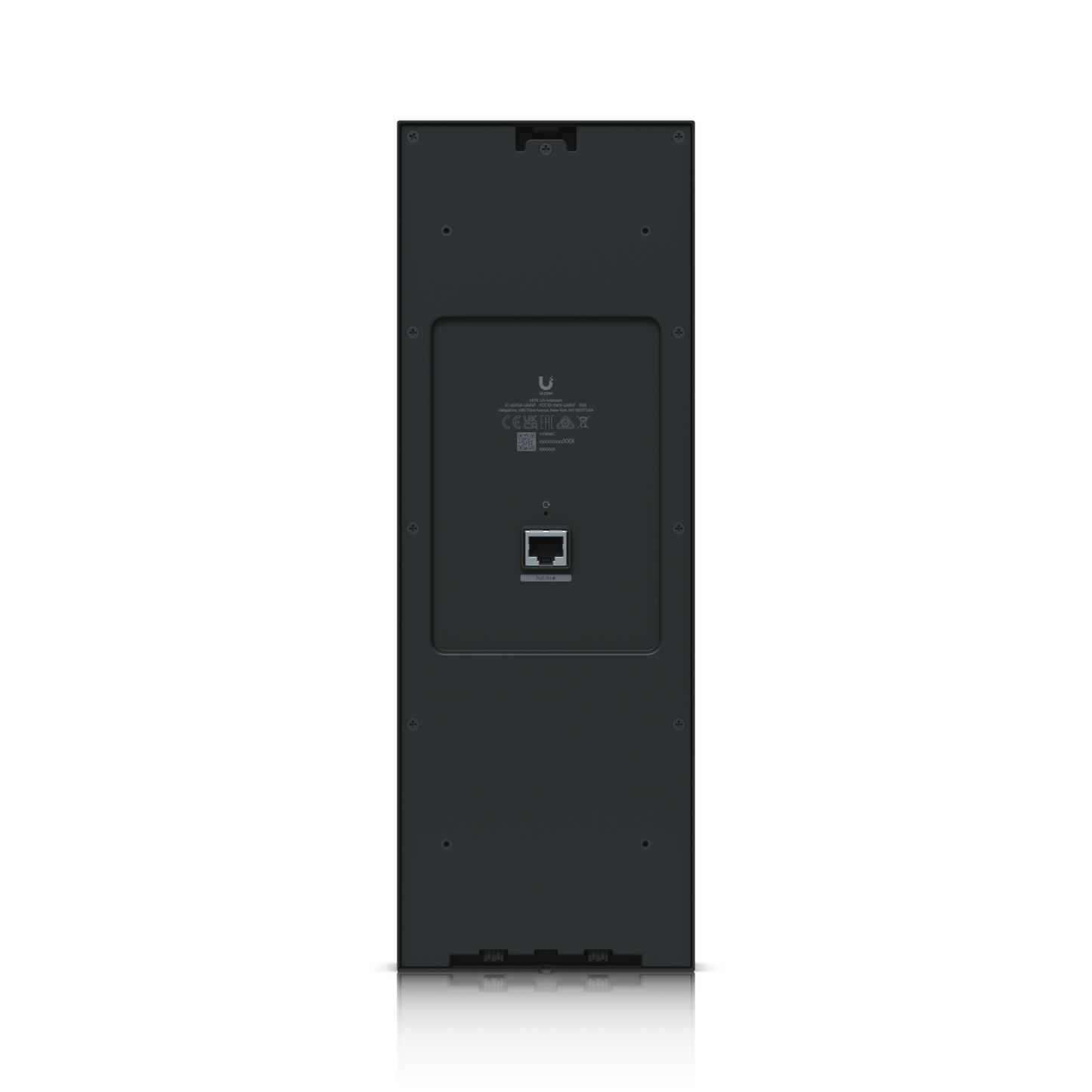
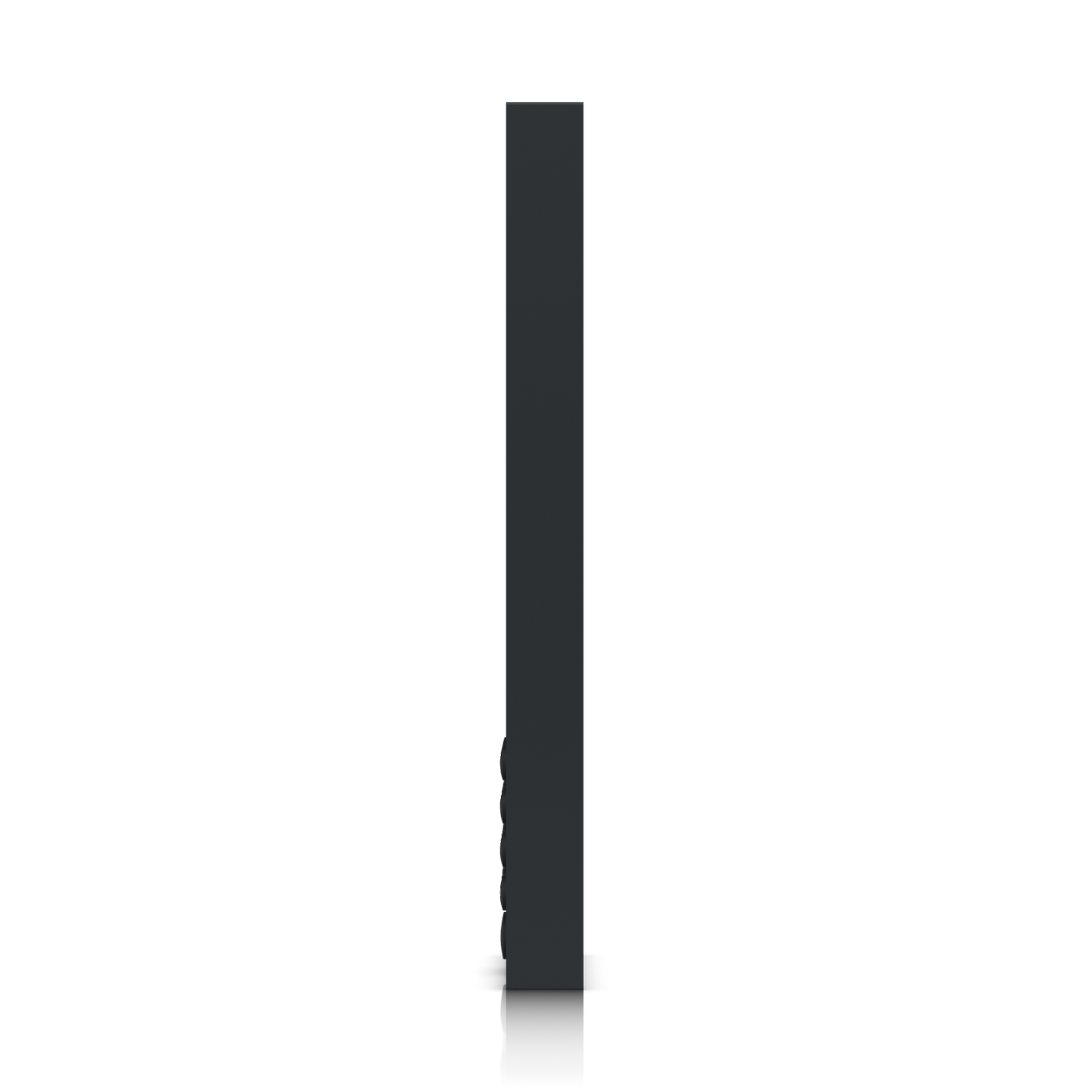

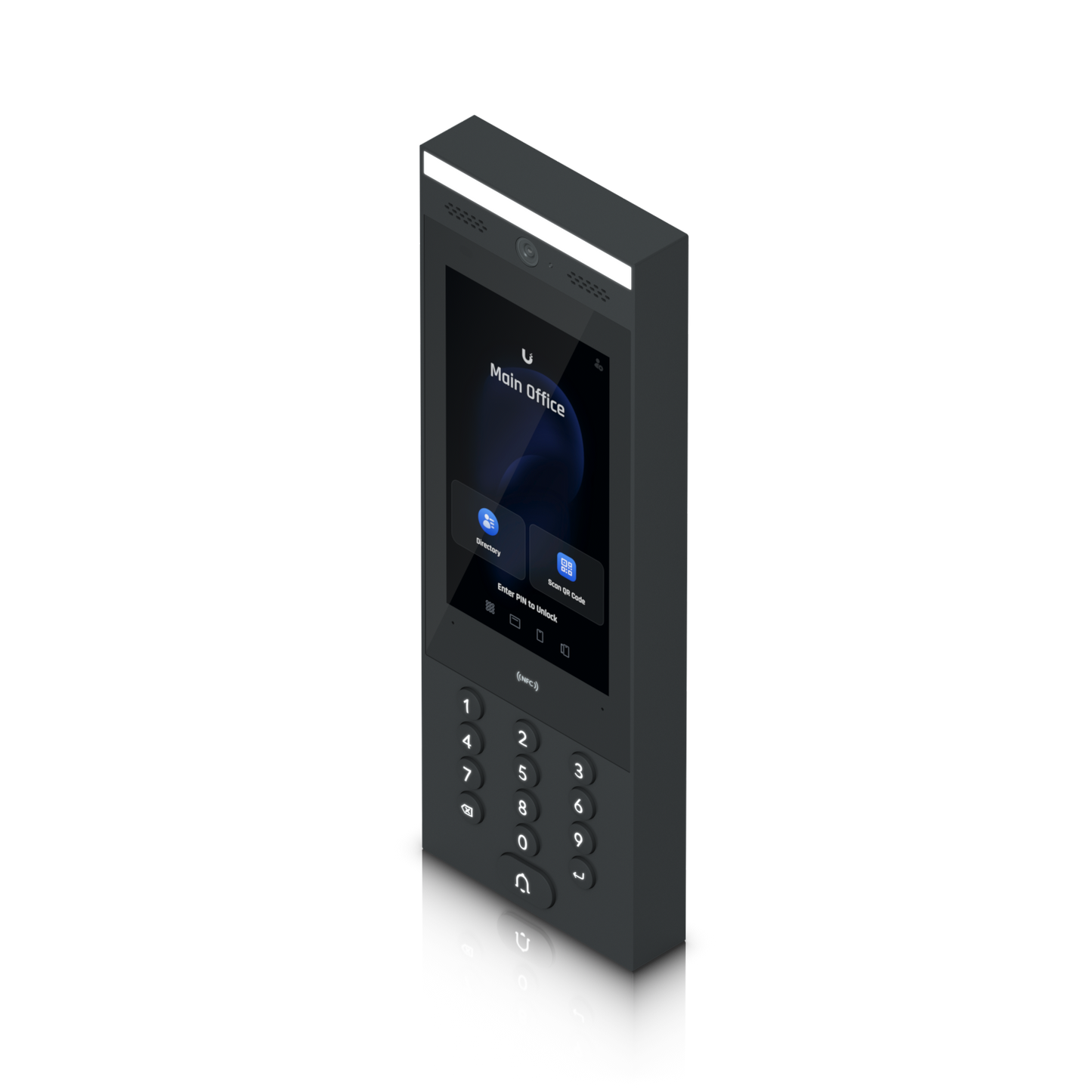

Indoor/outdoor intercom terminal for managing residential and commercial building entry requests.
- Unlock using an NFC card, UniFi Identity mobile app, PIN code or QR code.
- Directory and doorbell to request entry.
- Pairs with multiple UniFi Intercom Viewers for remote access control.
- Connects to UniFi Access Hub series using PoE.
- Weatherproof (outdoor exposed -30 to 60° C).
Specification
| Mechanical | |
|---|---|
| Dimensions | 324.8 x 113.7 x 28.3 mm (12.8 x 4.5 x 1.1") |
| Weight |
Device: 965 g (2.1 lb) Bracket: 445 g (1 lb) |
| Enclosure material | Aluminum alloy, UV-stabilized polycarbonate, glass |
| Mount material | Powder-coated stainless steel |
| Mounting |
Wall mount, adapter to the gooseneck pedestal (Included) Surface angle mount, flush mount (Optional) Sunshield kit (Optional) |
| Weatherproofing | IP65 |
| Hardware | |
| Networking interface | (1) GbE RJ45 port |
| Connectivity |
Bluetooth 4.2 NFC |
| Power method |
PoE UL 294 Power-limited Class 2 PSU UL 60950-1/62368-1 LPS/PS2 PSU |
| Supported voltage range | 48V DC |
| Max. power consumption | 13W |
| ESD/EMP protection | Air: ±15kV, contact: ±8kV |
| Sensors |
Proximity sensor ALS sensor |
| Camera |
3264 x 2448, 8 MP H: 79.4°, V: 97.5°, D: 118.2° |
| Display | 177 mm (7") diagonal |
| Resolution | 1024 x 600 (16:9) |
| Display luminance | Max. 1000 nits (typical) |
| Touch screen technology | Capacitive multi-touch |
| Microphone | Yes |
| Speaker | (1) 4 ohm, 2W |
| LEDs |
(1) LCM low temperature indicator: orange (LCM turned off when it’s below -25° C but the system funtions normally) (1) LED floodlight (13) Keypad LED backlight |
| Button | (1) Factory-reset |
| NFC frequency | 13.56 MHz |
| NFC read range | < 30 mm |
| NFC standards | ISO 14443A, 14443B, 15693 |
| NFC technology |
NFC Tag 1,2,3,4,5 MIFARE Classic MIFARE Plus MIFARE Ultralight MIFARE DESFire |
| Ambient operating temperature |
Device: -30 to 60° C (-22 to 140° F) Display:* -25 to 60° C (-13 to 140° F) *The display will turn off when the ambient temperature is above/below the display operation temperature, but other functions will remain functional. (Effective after firmware v 1.0.66) |
| Operating environment | Outdoor use |
| Ambient operating humidity | 5 to 90% noncondensing |
| Software information | The software version of a product can be checked at https://unifi.ui.com |
| UL 294 level |
Destructive attack: Level I Line security: Level I Endurance: Level I Standby power: Level I |
| UL 294 statement |
Compliance with IEEE 802.3 specifications was not verified as part of UL 294. The equipment is intended to comply with the section of the National Electrical Code, ANSI/NFPA 70, Article 725.121, Power Sources for Class 2 and Class 3 Circuits. |
| PoE cabling requirements |
Cable 5e cabling is the minimum performance category recommended. The performance category utilized should match the transmission speed required at the installation site. The minimal conductor gauge permitted to connect between the PSE or power injector and the PD shall be 26 AWG (0.13 mm 2 ) for patch cords; 24 AWG (0.21 mm 2 ) for horizontal or riser cable. |
| CAN/ULC-60839-11-1 Grade | Grade assignment: I |
| Certifications | CE, FCC, IC, UL 294, CAN/ULC-60839-11-1 |
| Document number, and issue date and/or revision level | UA-Intercom, V01 |
| Software | |
| Management application | UniFi Access: Version 1.22.17 and later |
What's In The Box

Frequently Asked Questions
What do I need to get started?
Intercom is managed with UniFi Access, our next-generation access control platform. It seamlessly integrates with any existing UniFi Access system by connecting to a UniFi Access Control Hub with PoE.
Intercom is compatible with UniFi Access Control Hubs designed for door access control, such as the Enterprise Access Hub (EAH-8), Access Hub (UA-Hub), and Door Hub (UA-Hub-Door).
For new deployments, learn more about UniFi Access at the Get Started guide.
Can I connect Intercom directly to a PoE switch instead of a UniFi Access Control Hub?
For security reasons, Intercom cannot directly connect to a switch. A direct connection to a UniFi Access Control Hub minimises vulnerabilities, ensuring a secure access control system that is resistant to unauthorised access attempts and external threats.
Intercom Viewers can connect directly to a PoE switch.
Which access methods are available?
With Intercom, building occupants enjoy seamless access using a PIN code, NFC card or fob, or the UniFi Identity mobile app. For visitors, Intercom offers an intuitive directory that can be fully customized within UniFi Access. Building occupants can see visitors through Intercom Viewers installed in each unit, ensuring secure and convenient access.
For added flexibility, authorized building occupants can remotely unlock doors for visitors with the UniFi Access application and mobile apps (iOS/Android), as well as with UniFi Talk phones. They can also grant access to visitors via QR or PIN codes.
Can I customise my Intercom's entry experience?
Yes, you can customise Intercom's display to display a specific message, logo, and background image for an experience tailored to your building and organisation.
Do I need Intercom Viewers?
Currently, Intercom Viewers receive doorbell calls from their paired Intercom, allowing building occupants to seamlessly screen visitors and remotely unlock doors. A single Intercom can be paired with multiple Intercom Viewers, and each Intercom Viewer supports pairing with multiple Intercoms to manage entry requests across multiple doors.
Intercom Viewers are optional and provide a physical interface for visitor management. Access can also be granted by authorized Door Attendants with the UniFi Access application and mobile apps (iOS/Android), as well as with UniFi Talk phones.
Intercom Viewers can also receive doorbell calls from the G2 Reader Pro.
Can Intercom record video for camera security applications?
Yes, the Intercom's integrated camera can perform 24/7 recording in the Protect Application.
Will Intercom remain operational during a power outage?
Yes, UniFi Access can remain operational during a power outage. This requires a battery-backup power supply, such as a Switch Mission Critical or a UPS on your switches, for your Control Hubs, Intercoms, and Intercom Viewers. Note that access rights are synchronised with the UniFi Access Hub, so, if the UniFi Console goes down, door access will remain.