
-
Vendor:Ubiquiti
UniFi UNAS Pro Network-Attached Storage
UNAS-ProRegular price $958.00Regular price$1,011.00Sale price $958.00Sold out -
Vendor:Ubiquiti
UniFi UNAS Pro 8 Network Attached Storage
UNAS-Pro-8Regular price $1,409.00Regular price$1,649.00Sale price $1,409.00Sale -
Vendor:Ubiquiti
UniFi UNAS 2 Network Attached Storage
UNAS-2Regular price $370.00Regular price$407.00Sale price $370.00Ubiquiti UNAS-2 UniFi UNAS 2 Network Attached Storage
Regular price $370.00Regular price$407.00Sale price $370.00Ubiquiti UNAS-2 UniFi UNAS 2 Network Attached Storage
Regular price $370.00Regular price$407.00Sale price $370.00Sale -
Vendor:Ubiquiti
UniFi UNAS Pro 4 Network Attached Storage
UNAS-Pro-4Regular price $915.00Regular price$989.00Sale price $915.00Sale -
Vendor:Ubiquiti
UniFi UNAS 4 Network Attached Storage
UNAS-4Regular price $751.00Regular price$858.00Sale price $751.00Ubiquiti UNAS-4 UniFi UNAS 4 Network Attached Storage
Regular price $751.00Regular price$858.00Sale price $751.00Ubiquiti UNAS-4 UniFi UNAS 4 Network Attached Storage
Regular price $751.00Regular price$858.00Sale price $751.00Sale





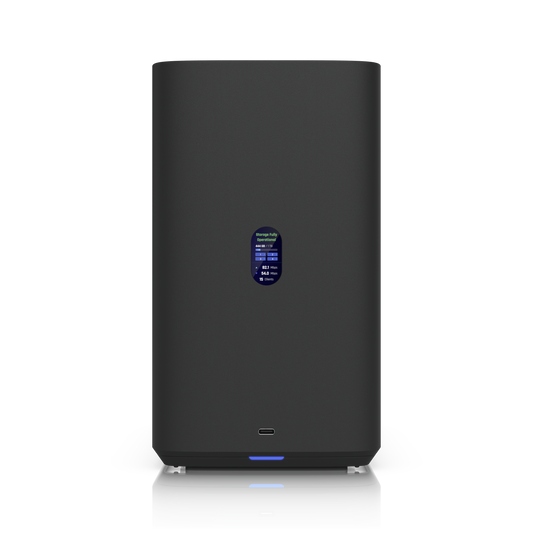
Fast, private storage you own outright, with no monthly fees
Cloud storage is convenient until you’re waiting on uploads over the NBN, watching a monthly bill creep up or wondering who else can see your files. Ubiquiti’s UniFi network attached storage (NAS) range keeps your data on your own network instead, where it moves at local network speed and stays entirely under your control. Every UNAS model runs UniFi Drive, Ubiquiti’s licence-free storage platform, and is managed from the same UniFi account as the rest of your network, so adding storage doesn’t mean learning another system.
Why choose UniFi network storage
Layered data protection. RAID spreads your data across multiple drives so a single drive failure doesn’t take your files with it. Automatic snapshots let you roll back after an accidental deletion or overwrite, and encryption keeps sensitive files locked down. The UNAS Pro, UNAS Pro 8 and Enterprise NAS also support hot spares that step in automatically if a drive fails.
Backups that run themselves. Back up to a second UNAS at another site, an existing SMB server, or cloud services including Google Drive, OneDrive, Dropbox, Amazon S3, Backblaze B2 and Wasabi, giving you everything you need for a proper 3-2-1 backup strategy. Built-in Time Machine support means every Mac in the house or office backs up quietly in the background.
Easy sharing, anywhere. SMB and NFS support lets Windows, macOS and Linux devices connect natively. Give each person a personal drive, set up shared drives for teams, organise users into groups and send share links when someone outside your network needs a file. With desktop and mobile app support and remote access through UniFi Site Manager, your files go wherever you do.
Speed where it counts. Every model offers at least 2.5 GbE networking, the Pro range steps up to 10G SFP+ and the Enterprise NAS adds dual 25G SFP28. The UNAS 4, UNAS Pro 4, UNAS Pro 8 and Enterprise NAS also have dual M.2 NVMe SSD cache slots to accelerate frequently accessed files.
Made for the UniFi ecosystem. Running UniFi Protect? A UNAS makes an ideal long-term archive for camera recordings, freeing up space on your Protect console or NVR. Add a UniFi UPS for graceful shutdown during blackouts and keep storage, networking and security under one UniFi account.
Find the right UniFi NAS
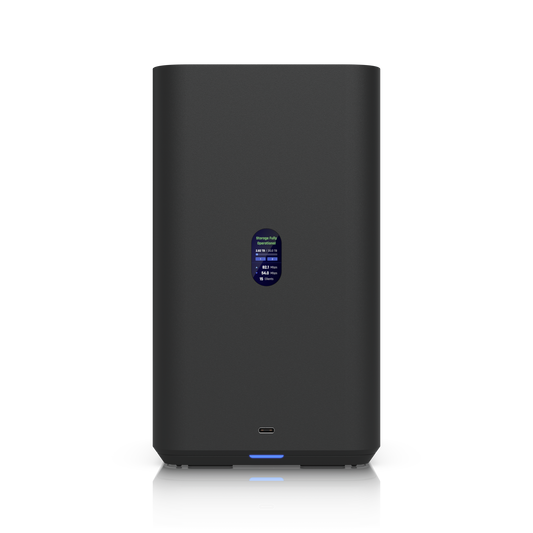
UNAS 2: an easy first home NAS. Two 3.5" bays with RAID 1 mirroring, 2.5 GbE networking and a 5 Gbps USB-C port in a compact desktop NAS. One Ethernet cable carries both power and data from the included PoE++ adapter, making it a tidy home for family photos, Time Machine backups and small-office file sharing.
UNAS 4: desktop capacity with NVMe caching. Four 2.5"/3.5" bays, dual M.2 NVMe cache slots, 2.5 GbE and 5 Gbps USB-C, powered by the included PoE+++ adapter. With RAID 5, 6 and 10 support, it suits growing households, creative studios and small businesses that want more capacity without a rack.
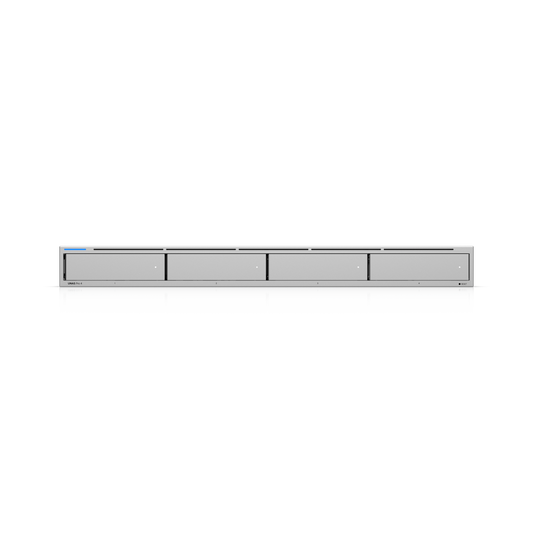
UNAS Pro 4: a slim 1U rack-mount NAS. Four bays, dual 10G SFP+ ports, dual NVMe cache slots and a redundant power input in a 1U chassis, ideal when rack space is at a premium.
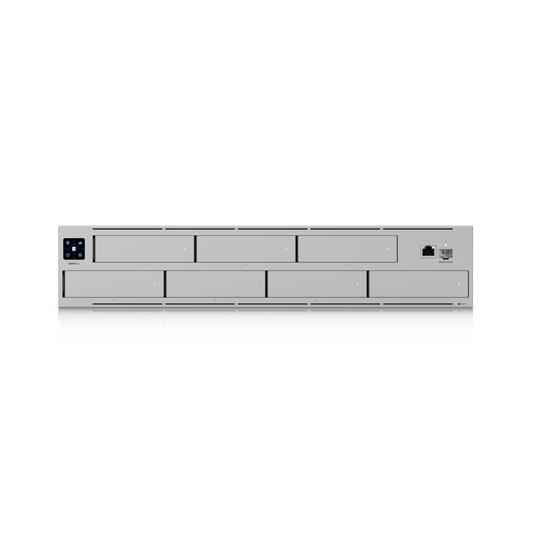
UNAS Pro: seven bays in 2U. The original UniFi NAS fits seven 2.5"/3.5" bays, 10G SFP+ networking, hot spare support and a 1.3" touchscreen into 2U, with plenty of protected capacity for file shares and Protect archives.
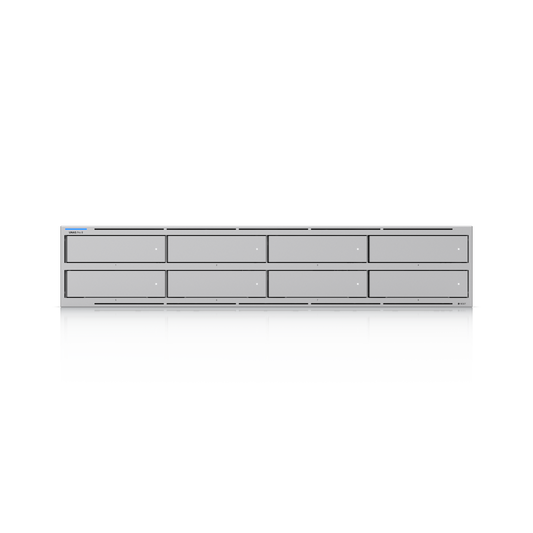
UNAS Pro 8: high-availability storage for business. Eight bays, dual 10G SFP+ plus 10 GbE RJ45, dual NVMe cache, 16 GB of memory, multiple RAID groups, hot spares and redundant hot-swappable power in 2U. Built for businesses that can’t afford downtime.
Enterprise NAS: 16 bays, ZFS and 25G for serious workloads. Ubiquiti’s flagship packs 16 hot-swappable bays, ZFS with mirror and RAID-Z1/Z2/Z3 protection, 64 GB of ECC memory, an eight-core Arm Neoverse N2 processor, dual 25G SFP28 plus 10 GbE RJ45, iSCSI block storage and redundant power into 3U, with Mini-SAS HD expansion beyond a petabyte of raw capacity. It’s made for virtualisation, large teams and multi-site deployments.
How to choose the right Ubiquiti NAS
- Match RAID to your risk. RAID 1 mirrors two drives. RAID 5 needs at least three drives and survives one failure, RAID 6 needs at least four and survives two, and RAID 10 needs at least four and balances speed with protection.
- Match the NAS to your network. The 2.5 GbE models suit most homes and small offices. To get the full benefit of 10G or 25G, connect to a switch with matching SFP+ or SFP28 ports using fibre modules or direct attach cables (DACs).
- Choose desktop or rack. The UNAS 2 and UNAS 4 sit neatly on a desk or shelf. The Pro range and Enterprise NAS are designed for four-post racks, so check your rack depth before ordering.
- Plan for uptime. For business-critical data, look for redundant power and hot spare support, and add a UPS.
UniFi NAS FAQs
Are there any subscription fees?
No. UniFi Drive is licence-free. You’ll only pay a cloud provider if you choose to back up to their service.
Does a UniFi NAS work with Windows and Mac?
Yes. SMB and NFS support covers Windows, macOS and Linux, and Macs can use Time Machine for automatic backups.
Can I store UniFi Protect footage on a UniFi NAS?
Yes. UniFi Protect can archive recordings to a UNAS for long-term storage, while live recording stays on your Protect console or NVR.
Do UniFi NAS units come with drives?
No. They ship without drives so you can choose the capacity you need. Check Ubiquiti’s list of qualified third-party HDDs and SSDs for compatible options.