


UniFi UNAS Pro 8 Network Attached Storage
UniFi UNAS Pro 8 Network Attached Storage
SKU:UNAS-Pro-8
Sale Live Now. Limited promotional stock available — don’t miss out!
Low stock: 10 left
Couldn't load pickup availability
Australian Reseller | Australian Stock | Australian Warranty
Found it cheaper elsewhere? Let us know
Buying for your business? Earn Store Credits


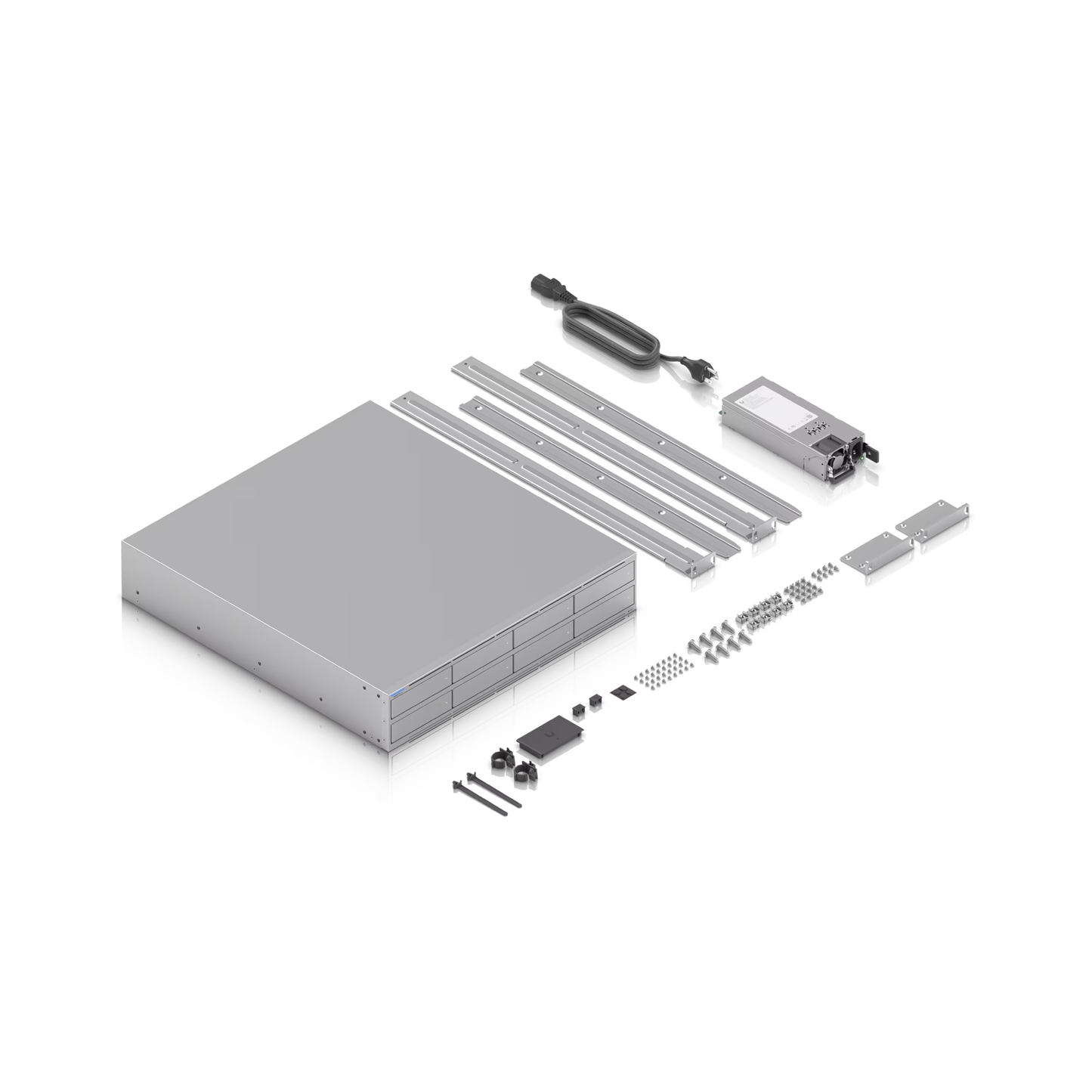
2U rack-mount NAS with (8) 2.5/3.5" HDD bays and (2) M.2 NVMe SSD cache slots, delivering faster access, lower latency, and high-availability 10 Gbps networking for large-scale file storage and sharing.
View Installation GuideCustomer Satisfaction
Check out some recent reviews and customer experiences shared on Trustpilot
Specification
| Overview | |
|---|---|
| Dimensions |
442.4 x 480 x 87.4 mm (17.4 x 18.9 x 3.4″) |
| Storage Capacity |
(8) 3.5″ drive bays (2) M.2 NVMe bays |
| Networking Interface |
(2) 10G SFP+ (10G Only) (1) 10 GbE RJ45 (10G/5G/2.5G/1G/100M) |
| Power Redundancy | ✓ |
| Form Factor | Rack mount (2U) |
| Hardware | |
| Hard Drive Capacity |
(8) 2.5/3.5" HDD / SSD support (2) M.2 NVMe SSD support |
| Max. Power Budget for Drives | 225W |
| Max. Power Consumption | 250W |
| Power Method | (2) AC input, Hot-swappable power modules |
| Power Supply | (2) Hot-swappable AC/DC 550W power modules |
| Processor | Quad-Core ARM Cortex-A57 at 2.0 GHz |
| Memory | 16 GB |
| Management | Ethernet |
| RF Interface | Bluetooth 4.1 |
| Weight | 11.5 kg (25.35 lb) |
| Enclosure Material | SGCC steel |
| Mount Material | SGCC steel |
| LEDs |
Ethernet: ✓ SFP+: ✓ HDD: ✓ System: ✓ |
| Ambient Operating Temperature | -5 to 40° C (23 to 104° F) |
| Ambient Operating Humidity | 5 to 95% noncondensing |
| NDAA Compliant | ✓ |
| Certifications | FCC, CE, IC |
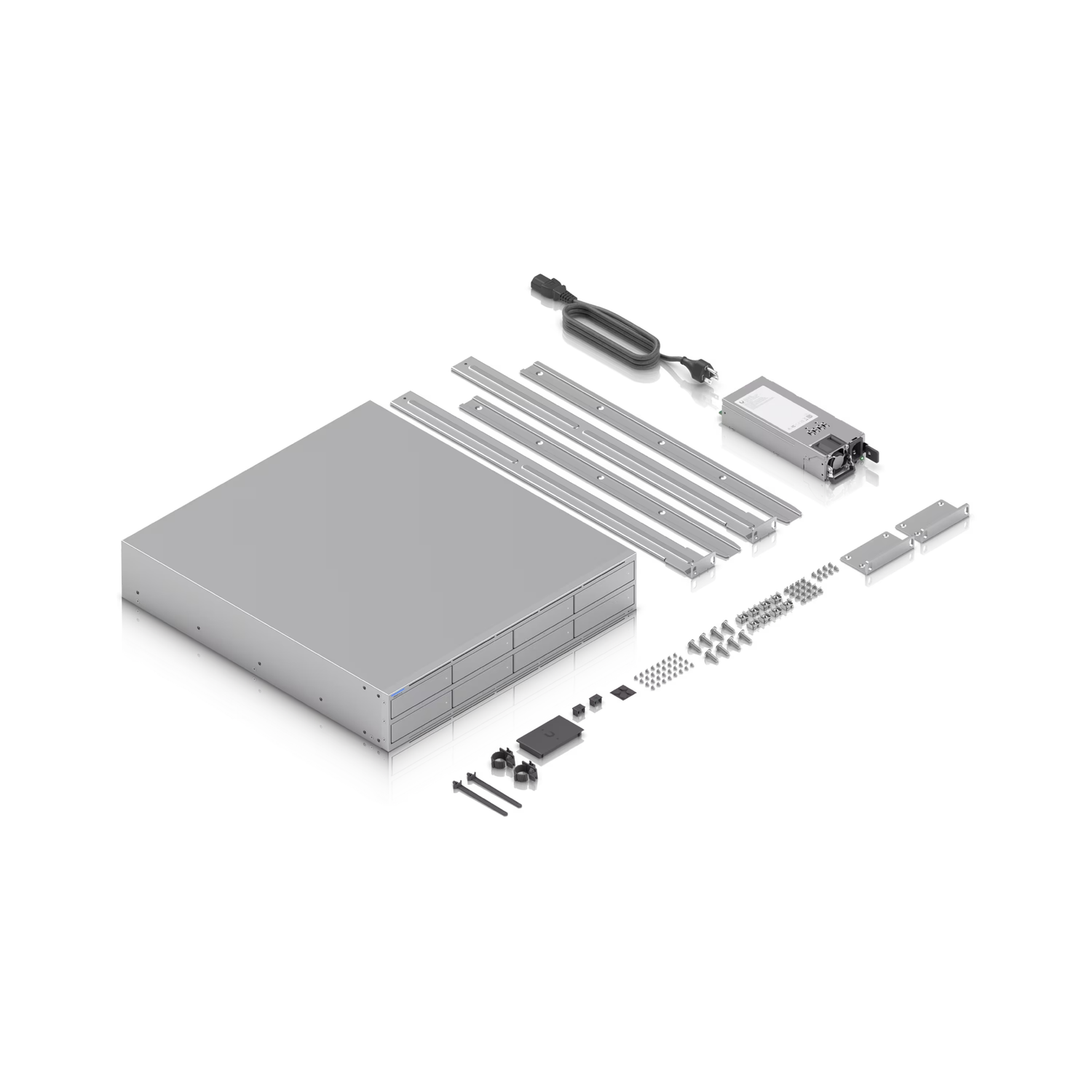
What's In The Box
Frequently Asked Questions
Does UNAS Pro 8 provide backups and file protection?
Yes, UNAS Pro 8 safeguards your files with RAID redundancy and regular snapshots for restoring previous versions of files. It also supports backups to other UNAS devices via SMB/CIFS or to the popular cloud storage including Google Drive, OneDrive, Dropbox, Amazon S3, Backblaze B2 and Wasabi.
Does UNAS Pro 8 support drive encryption?
Yes. Drive encryption is supported on UNAS Pro 8 to protect the privacy of your important data.
Does UNAS Pro 8 support hot-swappable HDDs?
Yes. UNAS Pro 8 supports hot-swappable HDDs so you can replace the failed drive without interrupting the operation. Note that the number of drives that can be hot-swapped depends on the RAID type support - one drive for RAID 5 and two drives for RAID 6.
What is the snapshot limit on UNAS Pro 8?
UNAS Pro 8 supports up to 4,096 snapshots in total, with 128 per Personal Drive and 256 per Shared Drive.
Does UNAS Pro 8 have a mobile or desktop app for user access?
Yes. In addition to direct access through the Site Manager, UNAS Pro 8 supports SMB, enabling users to connect to UniFi Drive directly from their desktop. The Identity Endpoint app is also available for desktop and mobile, providing license-free access from anywhere.
Learn more:
What is the minimum drive setup for UNAS Pro 8?
At least one drive is needed to set up the UNAS Pro 8. For more advanced RAID protection, install two or more drives to configure RAID 5 or RAID 6 for better data protection.
What type of RAID storage protection does UNAS Pro 8 support?
UNAS Pro 8 supports RAID 5, RAID 6, and RAID 10 for data protection.
What network file protocols does UNAS Pro 8 support?
UNAS Pro 8 makes file sharing simple with support for SMB (including CIFS) and NFS, ensuring compatibility across Windows, macOS, and Linux environments.
Learn more: UniFi Drive - Add UniFi Drive to Your Desktop via SMB.
Does UNAS Pro 8 support Apple's Time Machine for macOS backups?
Yes. UNAS Pro 8 supports Time Machine integration for macOS backups.
Learn more: macOS Time Machine Backups on UNAS.
Can I integrate UNAS Pro 8 with directory services like AD or LDAP?
Yes. UNAS Pro 8 supports AD/LDAP integration to import users. After importing, file service credentials must be created so users can manually mount SMB shares or use Time Machine backups.
Learn more: Importing Users From Directory Services (AD/LDAP).
What are the common use cases that benefit most from SSD Cache on UNAS Pro 8?
UNAS Pro 8 SSD Cache boosts random access workloads. The most common use cases include multi-client file access in office environments, virtualization workloads, media editing with frequent file reads, and database applications with high IOPS demands. The more concurrent access there is, and the more frequently data is accessed, the better the SSD Cache performs.
Sequential access is skipped automatically by default to ensure steady performance and to avoid unnecessary SSD lifespan wear.
Does UNAS Pro 8 support third-party M.2 NVMe SSDs?
Yes. UNAS Pro 8 supports third-party M.2 NVMe SSDs. An SSD tray is required for installation in the M.2 slots.
Does UNAS Pro 8 support Link Aggregation?
Yes. UNAS Pro 8 is equipped with two SFP+ ports, which can be configured for Link Aggregation (LAG) to provide high-availability protection. It also supports Multi-Chassis Link Aggregation (MC-LAG), if supported on the switch level.
Does UNAS Pro 8 support power supply redundancy?
Yes, UNAS Pro 8 is designed with power supply redundancy and features hot-swappable PSUs.