


UniFi Retrofit Hub
UniFi Retrofit Hub
SKU:UA-Retrofit-Hub-2
Sale Live Now. Limited promotional stock available — don’t miss out!
44 in stock and ready to ship
Couldn't load pickup availability
Australian Reseller | Australian Stock | Australian Warranty
Found it cheaper elsewhere? Let us know
Buying for your business? Earn Store Credits


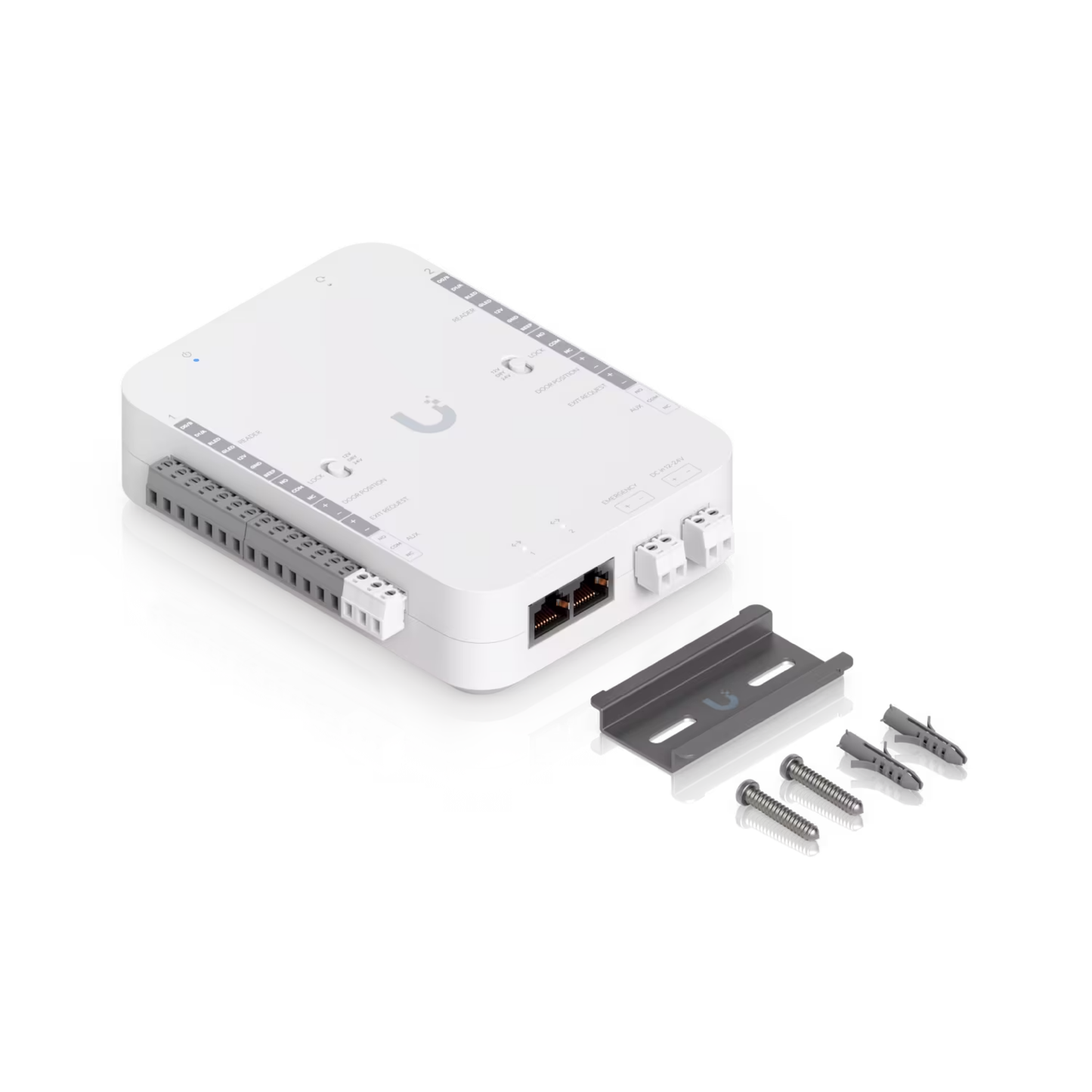
DC-powered hub that supports Wiegand and OSDP readers and provides entry and exit control for up to two doors.
View Installation GuideSpecification
| Overview | |
|---|---|
| Dimensions |
140 x 120 x 45 mm (5.5 x 4.7 x 1.8") |
| UniFi Application Suite | Access: ✓ |
| Supported Doors | 2 |
| Input Terminals |
(2) Third-party Wiegand Reader / UniFi Retrofit Reader (2) Door exit request (2) Door position (1) Emergency |
| Power Method | DC 12/24V |
| NDAA Compliant | ✓ |
| Mechanical | |
| Weight | 420 g (14.8 oz) |
| Enclosure Material | Polycarbonate |
| Mount Material | SGCC steel |
| Mounting | Din-rail (Included) |
| Hardware | |
| Digital Input |
(2) Third-party Wiegand Reader / UniFi Retrofit Reader (2) Door exit request (2) Door position (1) Emergency |
| Dry Output Relay |
Lock: rated 30V DC, up to 1A Aux: rated 30V DC, up to 1A |
| Powered Output Relay |
12V Lock: 12V DC, up to 1A 24V Lock: 24V DC, up to 0.5A |
| Indoor and Outdoor Use | Indoor only |
| Ambient Operating Temperature |
-10 to 40° C (14 to 104° F) |
| Ambient Operating Humidity | 5 to 90% noncondensing |
| Networking Interface | (2) 10/100 MbE RJ45 ports |
| Power Supply | DC 12/24V |
| Max. Power Consumption | 50W |
| LEDs | W/B Learn More |
| Buttons |
(1) Factory-reset (2) 12V/Dry/24V switch |
| Recommend Max. Cable Length |
UA-Retrofit-Reader (250mA): 18 UACC-Cable-DoorLockRelay length: 152.4 m (500 ft) UA-Lock-Electric (400mA): 24 AWG length: 25 m (82 ft) 22 AWG length: 42 m (138 ft) 20 AWG length: 66 m (217 ft) 18 UACC-Cable-DoorLockRelay length: 100 m (328 ft) UA-Lock-Magnetic-540kg (500mA): 24 AWG length: 20 m (66 ft) 22 AWG length: 32 m (105 ft) 20 AWG length: 51 m (167 ft) 18 UACC-Cable-DoorLockRelay length: 80 m (262 ft) UA-Lock-Magnetic-270kg (800mA): 24 AWG length: 12 m (29 ft) 22 AWG length: 20 m (98 ft) 20 AWG length: 30 m (167 ft) 18 UACC-Cable-DoorLockRelay length: 46 m (151 ft) Other locks (1A): 24 AWG length: 9 m (30 ft) 22 AWG length: 15 m (49 ft) 20 AWG length: 24 m (79 ft) 18 UACC-Cable-DoorLockRelay length: 36 m (118 ft) |
| Certifications | CE, FCC, IC |
| Software | |
| Management Application | Access |
| Software Information | The software version can be checked at https://unifi.ui.com |
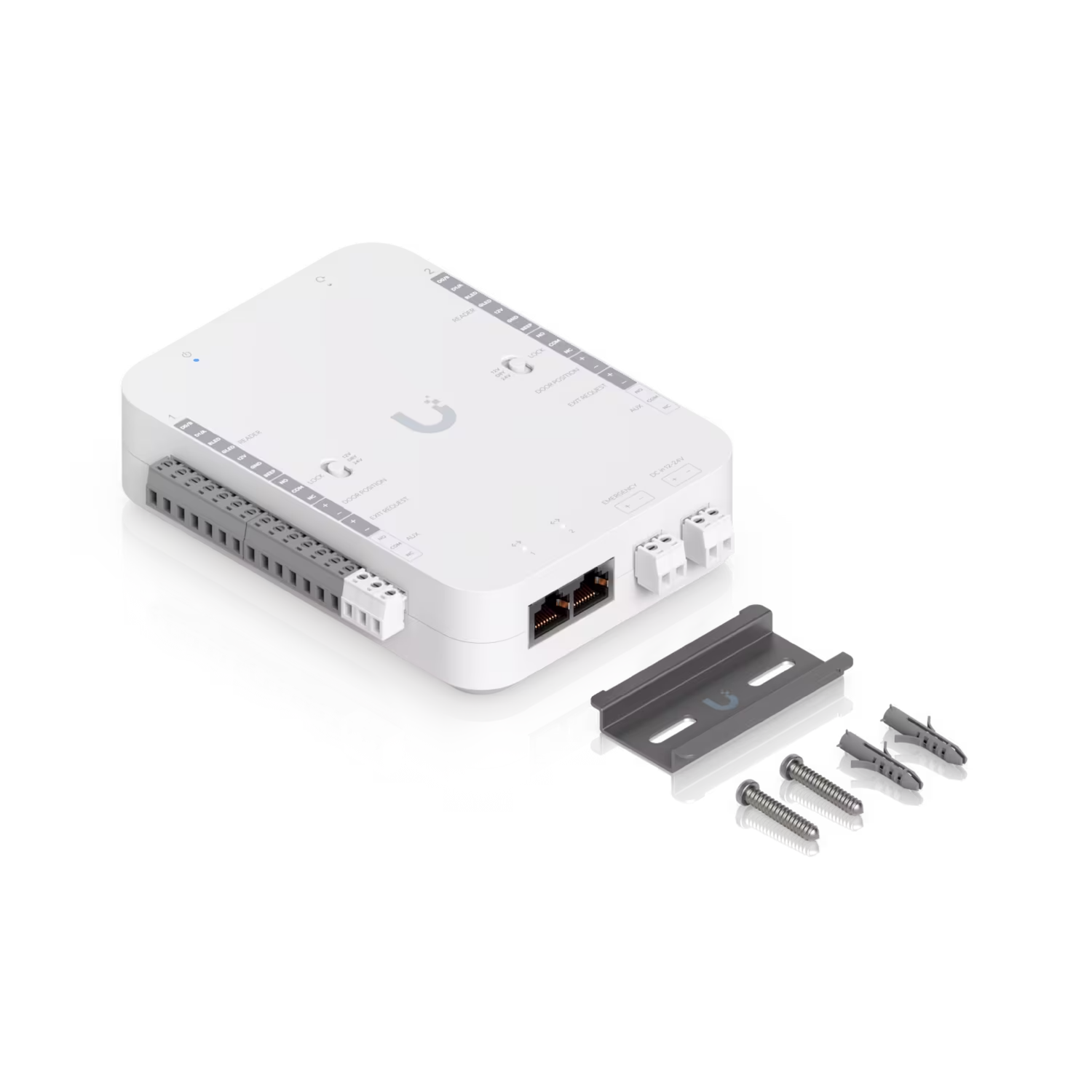
What's In The Box
Frequently Asked Questions
Do doors remain accessible if the console is offline or disconnected?
Yes. NFC credentials are stored locally on the Retrofit Hub. Once synced, users can continue unlocking doors even if the console is offline or the network connection is lost.
Can I control two doors using one reader?
No. Reader 1 controls Door 1, and Reader 2 controls Door 2 independently.
Can I connect other UniFi Door Access Readers to the Retrofit Hub?
No. The Retrofit Hub supports only UniFi Retrofit Reader or third-party Wiegand readers.
Can I use the same NFC card across multiple Retrofit Hubs for door unlock?
Yes. A single NFC card can be used across multiple Retrofit Hubs when paired with UniFi Retrofit Readers or third-party Wiegand readers configured with the same format.
Is the Retrofit Reader automatically paired when connected to the Retrofit Hub?
Yes. The Retrofit Reader is automatically discovered and paired by the Retrofit Hub in the UniFi Access application once it is physically connected and powered.
Does the Retrofit Hub support unlock schedules and temporary unlock?
Yes. The Retrofit Hub supports unlock schedules and temporary unlock. You can define times when a door automatically remains unlocked, such as during business hours, without requiring user interaction, or temporarily unlock doors on demand for a short duration. Please ensure the Retrofit Hub operates on version 1.4.7.0 or later.
Does the Retrofit Hub support remote unlock?
Yes. Admins can remotely unlock doors connected to the Retrofit Hub in the UniFi Access application. Remote unlocking from the UniFi Identity application will be available in a future firmware update.
How do I pair a UniFi Protect camera with the Retrofit Hub?
To monitor door activity with a UniFi Protect camera, navigate to Devices > Hubs > select the UniFi Retrofit Hub > Overview > Locations > select a door > Paired Devices.
Does Retrofit Hub support daisy-chaining readers?
Yes. You can daisy-chain up to two UniFi Retrofit Readers per door. To add a second reader to the Retrofit Hub after the first has been adopted, open the UniFi Access application and run Discover Reader to complete detection and adoption.
- Go to Devices and select UA Retrofit Hub 2.
- Open Settings.
- Navigate to Terminal Manager.
- Select Reader, then choose Retrofit Reader.
- Run Discover Reader to detect and adopt the second reader.
Please note that daisy-chaining is only available for UniFi Retrofit Readers. Wiegand readers are not supported.
Does the Retrofit Hub support third-party OSDP readers?
No. Third-party support is limited to Wiegand readers.
Does the UniFi Retrofit Hub support backup power?
Yes. The UniFi Retrofit Hub supports backup power. You can easily attach a 12V SLA backup battery using the Retrofit PSU 12V to keep the hub running during power outages.
What happens to the registered NFC cards if I change the card format?
If the card format is changed in the Access application or on a third-party Wiegand platform, all NFC cards must be re-registered. A mismatch between the reader and card format will prevent the cards from being recognized, resulting in door unlock failures.